
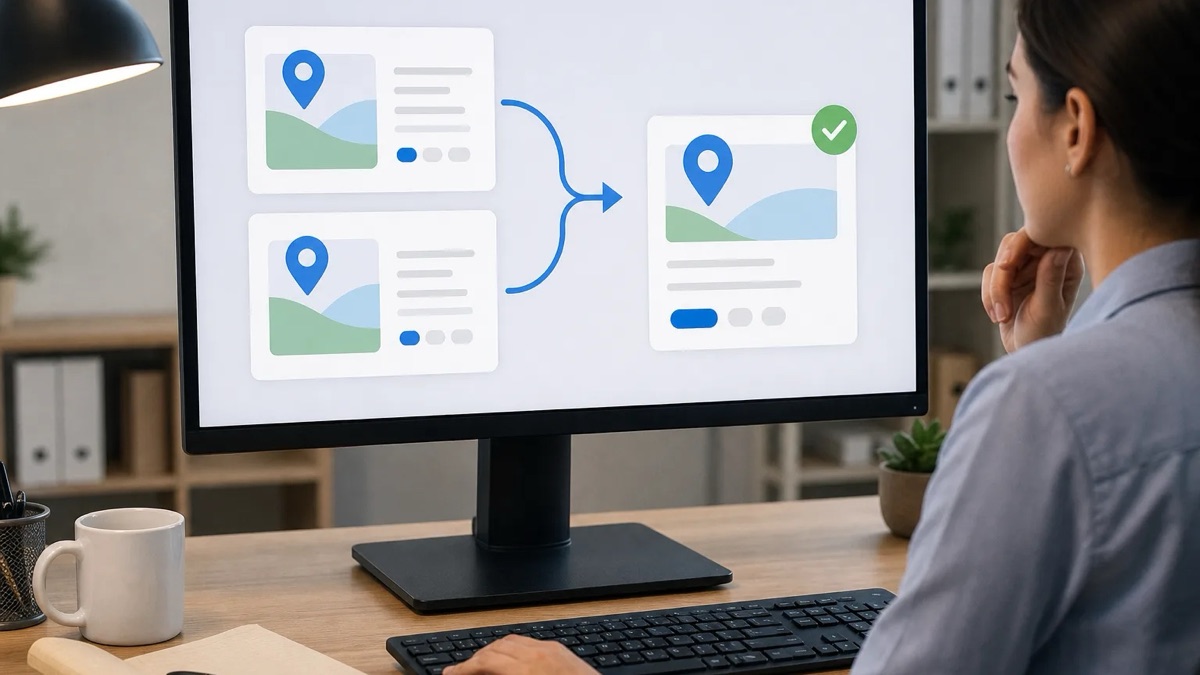
Duplicate Google Business Profiles treatment centers may appear after growth, purchases, staff changes, or brand updates. Each extra profile can cause harm. Google may divide search value between listings. Map pins may send callers to an old site or wrong door. Profiles with no active owner may also accept public edits. For treatment groups with several campuses, one old listing can send a person to a dead phone line. It may point to an entrance that has closed. The risk grows when past staff made profiles but did not record the login details. A careful review can find these listings without harming valid profiles.
The review should be safe and based on proof. First, find every profile tied to each campus. Then record which profiles are valid and which seem to show the same place. Do not close or merge a listing until the facts support that step. Google treats a true duplicate differently from a valid department or separate public entrance. That difference should shape each decision. The review should compare ownership, signs, doors, phone lines, teams, and services. It should also use the live profile data. Compliance staff, admissions leads, and clinical reviewers need clear roles. Their sign-off should occur before a listing is closed or merged.
What Creates Duplicate Profiles Across Treatment Campuses?
Extra profiles often come from staff changes, old names, or Google data feeds. Their source affects the next step. Check the addiction treatment SEO services and addiction treatment marketing library so page ownership stays tied to profile checks.
Staff turnover is a common cause. A former team member may have made a profile with a personal Gmail account. That person then left without moving control to the main business account. Later, a new team member may have made another profile for the same site. Both can appear for one address. The older profile may show more reviews, questions, photos, or saved categories. It may also appear higher in search. Neither profile began as a false listing. Yet the pair now splits the campus record. Calls, reviews, local listings, and public edits become harder to track. The team must identify both owners before changing either profile. It should also record which listing holds useful history. That record helps prevent the loss of reviews or other public details.
Google may also make a profile from outside data. Sources can include web pages, map feeds, and online directories. Such a profile may be claimed or unclaimed. It may show an old address, wrong category, or past brand name. A purchase can create more confusion. When one group takes over a campus, old profiles do not vanish on their own. Search every prior legal name, trade name, and public brand used at the site. Also check old phone numbers and address formats. These details may reveal profiles that a current brand search misses. Under current Google guidance, separate profiles should represent distinct physical sites or eligible departments. The audit should use that rule as a policy boundary, not assume every same-address profile is invalid.
How Should Teams Build a Campus Profile List Before the Review?
Build one sheet for every known profile before making changes. Record place ID, name, address, phone, owner, claim status, and check date. Pair facility entity governance for treatment centers with Google Business Profile categories for treatment facilities to keep ownership and category checks aligned.
Use three sources to build the list. First, check every Google account linked to the group. Include personal accounts used by past staff when access is lawful and available. Export the profiles from each Google Business Profile Manager account. Second, search Google Maps for every campus name, old name, address, and phone number. Search current and past brands. Save a screenshot of each result. Record the place ID shown in the listing URL. Third, review existing local search reports or a citation audit tool. These records may show directory data that led to an auto-made profile. One source alone may miss a listing. Using all three creates a fuller working list. It also gives the team evidence from live search results, owned accounts, and outside data.
Give each row one of four states: Keep, Investigate, Merge-Candidate, or Close. Do not mark a row Close until the full review is done. An early closure can remove useful history or leave the campus without a verified profile. Repair may then take time. Add fields for the account manager, login holder, and required approver. Admissions staff should flag any profile that receives calls. Closing it during the review may stop inquiries without warning. A clinical reviewer should check public text about care, services, and treatment levels. That review does not decide Google policy or legal status. It checks whether the health claims match approved facts. Record open public edits and each review state in separate fields. This protects details that might otherwise disappear during the work.
Which Signs Separate a Valid Listing From a True Duplicate?
Compare public doors, signs, phone lines, teams, hours, and service scope. Shared facts point toward a duplicate. Real differences may support a separate listing. Use treatment facility vs administrative office Google listing and treatment center address change local SEO during the fact check.
Review each pair that shares an address or similar name. Start with the public entrance. Two profiles that lead to one door and one front desk show a strong duplicate sign. A detox unit with its own public door and visible sign may qualify as a department. Current Google rules should decide that point. Next, compare phone numbers and the staff who answer them. One shared line that reaches the same team supports a duplicate finding. A direct line for a distinct department may support a separate profile. Different hours can add useful proof, but hours alone do not settle the issue. Then check service scope. A listing should describe services that are truly offered at that site. It should not copy every service from a parent group when the campus does not provide them.
Write a decision note for each profile pair. Include both names, both place IDs, the facts checked, the result, and the reviewer. Add dated photos of public signs and entrances when the team can collect them. Record current phone routing, hours, categories, and live profile details. This note helps if Google support later asks why one listing closed or two stayed open. Compliance staff may keep the notes with other public content records. Some cases remain unclear. Two departments might share a door but use separate intake teams. Do not guess in such cases. Ask a small review group to assess the facts before any dashboard action. It should include at least one operations lead and one marketing lead. Add clinical, legal, or privacy review only when the issue falls within those roles.
What Is the Safe Resolution Process for Duplicate Google Business Profiles Treatment Centers?
Safely resolve duplicates by saving evidence, choosing the profile to keep, gaining control, aligning facts, and following Google’s process. Review treatment campus naming search and maps and practitioner profiles for treatment center SEO.
Start with the profile that the team plans to keep. It will often have the best confirmed facts, more useful history, and longer owner control. Review its name, address, phone, site link, category, hours, and description. Compare those fields with current business records. Fix stale facts before the team tries to resolve the other listing. Then review the suspected duplicate. If no one has claimed it, use Google’s normal claim and check process. Do not treat control as proof that the listing should exist. Ownership only gives the team access to manage it. Removal requests for profiles outside the team’s control may take longer or lead to uneven results. Once control is in place, record the live fields and pending edits. Align the core business facts with the keeper when Google policy and current records support that change.
Next, use the profile tool for duplicate reports or contact Google support. Ask Google to mark the extra profile as a duplicate of the main listing. Follow current Google help pages for the exact route. Save the request date, case number, screenshots, and response. Support time can vary, and no result is assured. While the case is open, watch both profiles for public edits. Old details can return if those edits go unchecked. After Google resolves the case, review outside directories. Correct entries that still show the removed profile’s old name, phone, or address. Those sources may send stale data back to search tools. Keep the audit record even after the change. It should show what the team saw, what it saved, who approved the step, and what Google did.
How Do Web Teams Stop Duplicate Profiles From Returning?
Use one main owner account, a clear change process, regular checks, and correct site data. These controls lower the risk after staff or brand changes. Pair local citations for treatment facilities with review response governance addiction treatment to support ongoing profile care.
Set one main Google account as owner of all campus profiles. Give staff manager or owner access from that account. They should not make new profiles under personal accounts. Store the main login in a secure password vault with access based on job need. Keep a current list of every person who can edit a profile. When someone leaves, check all profiles that person managed. Move needed control to the main account before removing access. Staff departures are a key risk point. A personal account may stay tied to a live listing after the business loses access. A written exit task can reduce that risk. The task should name the person who checks access, the deadline, and the record that proves transfer.
Run a profile check every three months. Search Google Maps for all names, old brands, addresses, and phone numbers. Review the manager dashboard for new profiles or alerts. Compare site data with each live profile. Google’s structured data pages explain how LocalBusiness code gives search tools entity details. Accurate code can reduce conflicting signals from the group’s own site. It cannot prevent every new profile. Outside sources and public edits may still create errors. Keep a change log for every profile. Record the date, editor, old value, new value, reason, and approval. This log makes later checks much easier. It also helps the team explain profile history to Google support, compliance staff, or business leaders. Review the log after a move, purchase, new campus, department change, or rebrand.
These answers set practical limits for the review. Current records and accountable staff must confirm facility facts, care claims, privacy choices, and platform status. Use local landing pages for treatment facilities and treatment center facts register to support those checks.
Editorial limitation: This article reflects general Google Business Profile policy guidance available through official support documentation and is accurate to the best of SCALZ.AI's editorial knowledge at time of writing. Google updates its policies and platform behavior without advance notice. Verify current requirements directly at official Google support pages before taking action on any listing. Tim Francis is the editorial lead and is not a clinician, attorney, or compliance officer.