
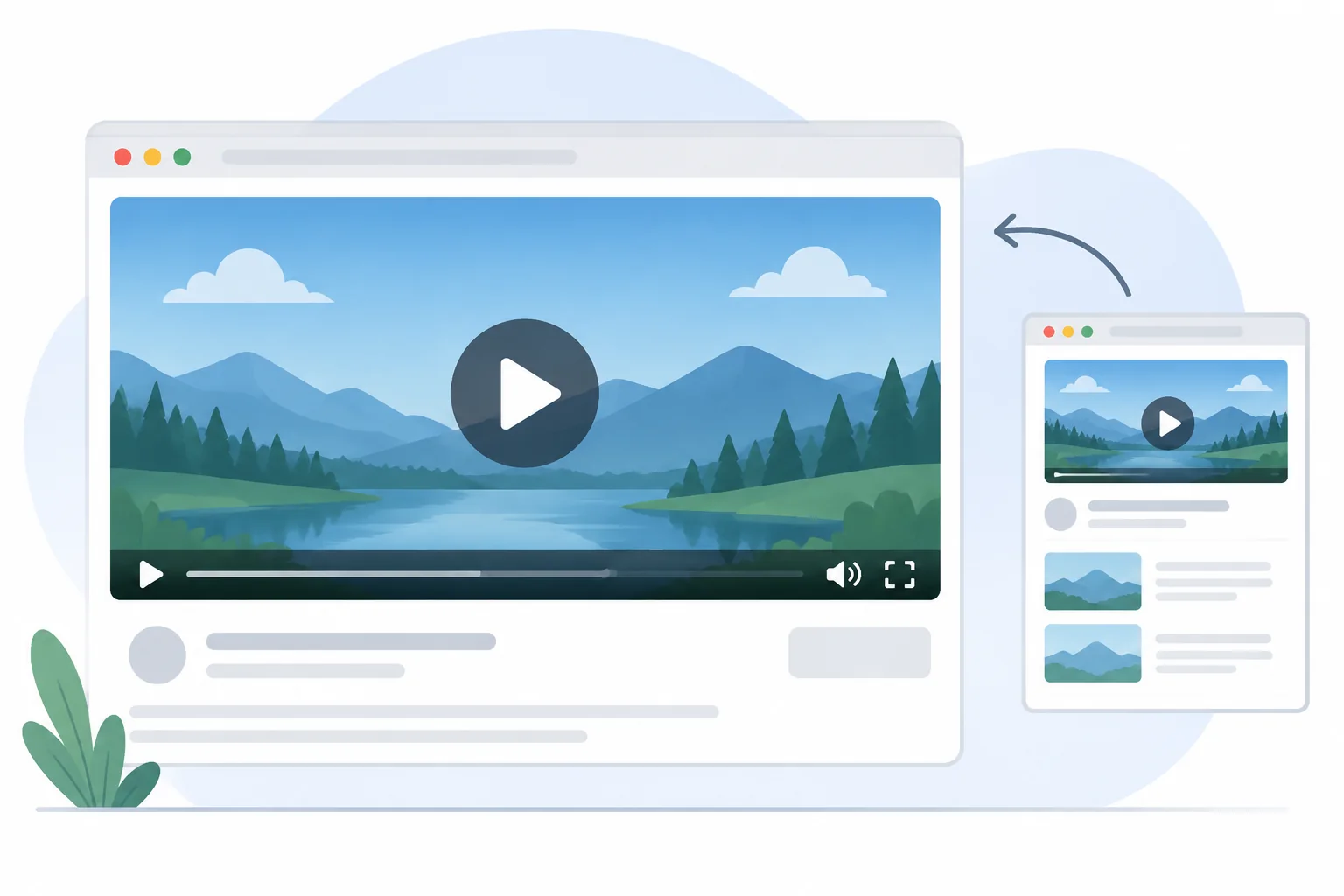
Video watch page SEO starts with a content decision: is watching this particular video the main reason someone would visit the page? An embedded player alone does not answer that question. A service page, article, or resource directory can contain a useful video without being a dedicated video destination.
For a marketing lead at a business in Jacksonville, FL, the practical task is to separate that editorial decision from technical troubleshooting. Review the page, player, thumbnail, and metadata as connected but distinct components. Google's documented requirements apply platform-wide, not differently because a business serves a particular city.
Decide Whether the Video Deserves a Dedicated Watch Page
Create a dedicated watch page when viewing one video is the visitor's primary task. Connect that decision with technical crawlability checks in an AEO audit, then fit the page into broader Jacksonville, FL SEO planning rather than treating every embedded clip as a separate publishing opportunity.
Google's video SEO guidance defines a watch page by its main purpose: showing users a single video. It distinguishes these destinations from pages where video complements other content, such as a product page, a review article, or a category page with several equally prominent videos. Google recommends a dedicated watch page for each video when that makes sense for the business.
Use this decision tree before assigning development work:
- Would the visitor primarily come to watch one video? If yes, consider a dedicated destination with that video as the central content.
- Would the page still fulfill its main purpose without the video? If yes, the embed may be supporting material on an article or service page.
- Are several videos equally important? Treat the page as a collection rather than assuming it is an individual watch page.
- Can the video support its own accurate title and description? If not, clarify its subject and audience before creating another page.
For example, a hypothetical healthcare practice in Jacksonville, FL might publish an office-arrival walkthrough. A destination specifically inviting visitors to watch that walkthrough could be a watch page. A broad location page containing the same clip alongside hours, directions, and other information has a different primary purpose.
Google recommends a unique page title and description for each watch page. Describe the actual video rather than reusing a generic service-page summary. Supporting text should orient the viewer without turning the page into a different resource whose video is incidental.
Check Page Access, Video Discovery, and Thumbnail Stability
Check the page, embedded video, and thumbnail separately, recording an observation for each component. An AEO audit can organize those findings, while local website SEO planning for Jacksonville, FL provides context for deciding which video destinations deserve maintenance.
Start with the watch page. Google's video guidance says the page must be indexed, and that the indexed watch page must be performing well in Search before its video can be considered for indexing. Record the page's indexing status before investigating the player. A page being accessible in a browser does not establish that its video has been indexed.
Next, inspect the embed. Google can find video references in common HTML elements, including video, embed, iframe, and object. For a JavaScript-injected player, check whether the video appears in rendered HTML through URL Inspection. Google also advises against relying on clicking, swiping, or typing to load the video. Record whether the container exists before interaction, not merely whether playback works after a manual click.
Inspect visibility as a separate observation. The video must be embedded on a watch page and cannot be hidden behind other elements. A player present in HTML but concealed by another component calls for a different correction from a player that never appears in the rendered page.
Finally, record the thumbnail URL and whether it remains accessible. Google requires a valid thumbnail at a stable URL and advises keeping that URL consistent across metadata sources. A changing or blocked thumbnail deserves investigation even when the player works.
If a third-party platform hosts the video, check its configuration too. Google says both the platform's page and the business's embedded watch page may appear in video features when each meets the indexing criteria. Third-party hosting is not, by itself, evidence of a problem.
Build a VideoObject Worksheet From Observable Evidence
Build VideoObject values from the actual video and its publishing records, then compare them with the visible page. Use entity SEO planning for consistent identity details and an AEO audit framework to keep missing evidence separate from confirmed implementation errors.
Google's VideoObject documentation identifies name, thumbnailUrl, and uploadDate as required properties. It lists description, duration, contentUrl, and embedUrl among recommended properties. Required and recommended do not mean interchangeable: a useful review records which requirement applies and where each value came from.
| Field | Page evidence | Markup value | Reviewer decision |
|---|---|---|---|
| name | Actual video title and subject | Unique video title | Required; reject a generic sitewide label |
| thumbnailUrl | The video's accessible thumbnail file | Unique, stable thumbnail URL | Required; compare across metadata sources |
| uploadDate | Verified first-publication record | ISO 8601 publication date and time | Required; verify rather than guess |
| description | What the video actually covers | Unique plain-text description | Recommended; remove unrelated service claims |
| duration | Measured video running time | Duration in ISO 8601 format | Recommended; compare with the published video |
| contentUrl | Location of actual video bytes | Video file URL | Recommended; do not substitute the watch page |
| embedUrl | Player address for this specific video | Specific player URL | Recommended; distinguish from file and page URLs |
| expires | Documented end of video availability | Expiration date and time, if applicable | Recommended when applicable; omit if it never expires |
The three URL roles deserve particular attention. The watch page contains the experience, the player URL identifies the player, and the content URL points to the video's actual bytes. Copying the watch-page address into every URL field does not represent those distinctions accurately.
Use the original first-publication record for uploadDate, not an arbitrary website revision date. Google recommends timezone information. For duration, compare the markup with the video currently published, especially after an edit.
Google's general structured data guidelines require markup to represent the page truthfully and prohibit misleading or irrelevant content. They also explain that quality problems may remain even when syntax is valid. A passing code test therefore does not replace watching the video and comparing its description with the page.
Diagnose Symptoms Without Collapsing Separate Problems
Diagnose the failing component before choosing a fix: page indexing, video detection, thumbnail access, and markup validation answer different questions. Keep those findings in an AEO audit issue record, and use entity consistency checks when the mismatch concerns names or creator details rather than player discovery.
The page is not indexed. Begin with the page's accessibility and indexing information. Video indexing requires an indexed watch page, so rewriting VideoObject alone does not establish that prerequisite. Record the observed page status and any access restriction before proposing a metadata fix.
The page is indexed, but the video is not identified. Inspect the rendered video element, its visibility, and whether interaction is needed to create it. Also reconsider whether watching the video is genuinely the page's main purpose. JavaScript rendering is one possible issue, not the only explanation for missing video identification.
The player is visible, but the thumbnail fails. Check the thumbnail file independently. Google's guidance says it must be accessible to Googlebot and Googlebot Images, without a login requirement or robots.txt block. A screenshot showing an image in a logged-in browser does not establish that access.
Structured data is invalid. Review missing required properties and malformed values using the Rich Results Test. Then inspect the deployed page through URL Inspection. Fixing invalid markup establishes an implementation improvement, not a promise that Google will show a video result.
Use the appropriate Search Console report for the question. Google's video guidance describes the Video indexing report as showing indexed videos on indexed watch pages and reasons other videos were not indexed. The video rich result report addresses VideoObject implementation issues. The Performance report's Videos search appearance filter addresses observed search performance. These reports should inform one another, not be treated as equivalent evidence.
Preserve the before-and-after observations. A useful issue record names the affected component, the evidence, the change made, and the remaining uncertainty. That makes the next review more useful than an undifferentiated note saying only that the video still does not appear.
Release a Watch Page With a Reusable Review Checklist
Release a watch page only after confirming its purpose, visible player, stable thumbnail, and evidence-backed metadata. For a hypothetical business in Jacksonville, FL, connect the work to local SEO planning and use the SCALZ.AI contact route to discuss implementation scope without assuming search placement.
Consider the office-arrival walkthrough again. The marketing lead could first decide whether visitors need a dedicated viewing destination. If so, the editor would write a video-specific title and description, the developer would implement the visible player, and the reviewer would compare the thumbnail and VideoObject values with the actual recording. This is an illustrative workflow, not a client result.
- Confirm the editorial purpose. Make one video the reason for the destination, rather than relabeling a general service page.
- Record the page baseline. Check access and indexing status, keeping page-level findings separate from video-level findings.
- Inspect the rendered embed. Confirm the video container is present, visible, and not dependent on an action that first loads it.
- Verify the thumbnail. Check stable access and use the same thumbnail URL across the metadata sources supplied.
- Compare and validate metadata. Confirm required values, review supported recommended values, and test the deployed implementation.
- Monitor after release. Review the relevant Search Console reports and allow for recrawling and reindexing before drawing conclusions.
Google's VideoObject guidance recommends validating structured data, testing deployed pages through URL Inspection, and using a sitemap to communicate future changes. It also explicitly says that structured-data features are not guaranteed to appear in search results.
When comparing agencies, ask for this evidence trail rather than a promise of video visibility. SCALZ.AI offers premium, custom, done-for-you SEO services. A scoped discussion can establish the pages, implementation responsibilities, and review deliverables involved. No agency can turn a completed checklist into guaranteed indexing, rich results, rankings, or traffic.
Frequently asked questions
Does every embedded video need its own watch page?
No. Google recommends a dedicated watch page for each video when it makes sense for the business. A clip can remain supporting material on a service page or article. Consider a separate destination when visitors would primarily come to watch that particular video, rather than read or use the surrounding page.
What makes a page a video watch page for Google?
Its main purpose is to let visitors watch one video. Google distinguishes that purpose from pages where a video complements a review, product description, or collection. A visible player matters, but adding one does not automatically change the page's primary purpose. Review the whole experience and provide a video-specific page title and description.
Why might Google fail to identify an embedded video?
Review several possibilities rather than assuming one cause. The player might be absent from rendered HTML, require interaction to load, or be hidden behind other elements. The page may also lack a clear watch-page purpose. Separately check page indexing, thumbnail availability, and markup, because successful browser playback does not establish all video indexing requirements.
Which VideoObject details should a reviewer compare with the page?
Start with the required name, thumbnailUrl, and uploadDate. Compare recommended description and duration values with the actual video. Verify that contentUrl identifies video bytes and embedUrl identifies the specific player, not the watch page. Include expiration information only when applicable, and use reliable publishing records rather than guessing dates or other values.
Does adding video structured data guarantee video visibility?
No. Google says features using structured data are not guaranteed to appear. VideoObject can help describe a video, but page indexing, watch-page purpose, video accessibility, thumbnail requirements, and policy compliance remain relevant. Validate the implementation and monitor the appropriate Search Console reports without treating valid markup as proof of indexing or future search placement.