

How to use Google Business Profile products effectively
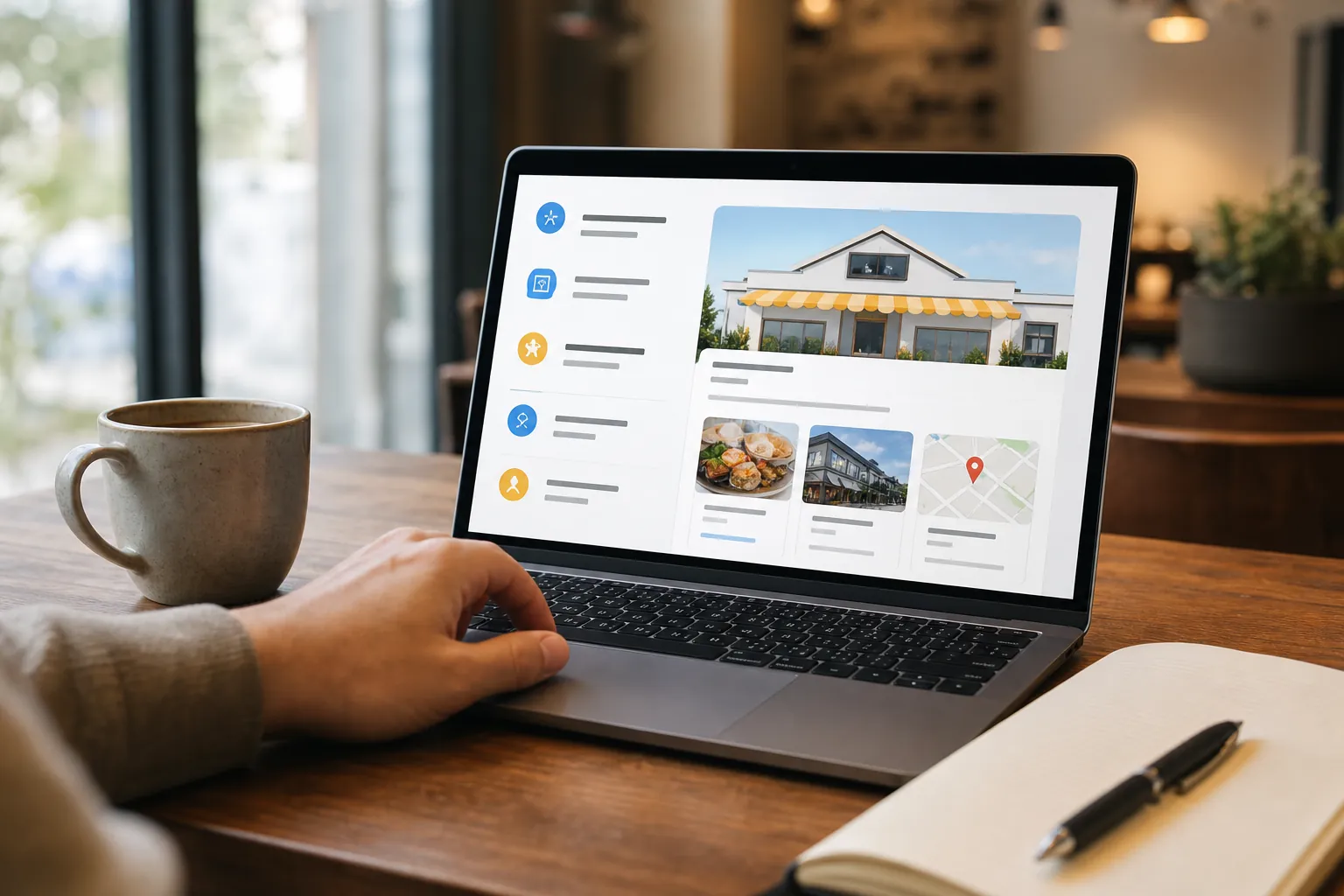
Google Business Profile products give local businesses another way to explain what they offer directly in Google Search and Maps. Despite the name, the feature can be useful for selected service businesses as well as retailers, provided each entry is accurate, specific, and consistent with the business website.
For organizations competing across the United States, product entries can support local SEO by making important offerings easier to understand. They may also give search engines and AI systems clearer context about the relationship between a company, its services, and the locations it serves.
The feature should not be treated as a shortcut or a place to repeat keywords. It works best as part of a broader Google Business Profile optimization and content strategy process.
What Google Business Profile products are
The Products section allows eligible businesses to organize offerings into collections. Each item can include a name, image, category, price or price range, description, and a button that links to a relevant page.
Availability and presentation can vary by business category, device, and Google interface. Some profiles may rely more heavily on services, menus, or other industry-specific features. Before building a catalog, review the editing options currently available in the profile and choose the feature that most accurately represents the offering.
Products should describe real items or clearly packaged offerings. If a business provides highly customized services, the Services section may be a better fit. When both features are available, avoid publishing identical lists. Products can highlight defined packages or priority offerings, while Services can present the broader service catalog.
How the feature supports local search visibility
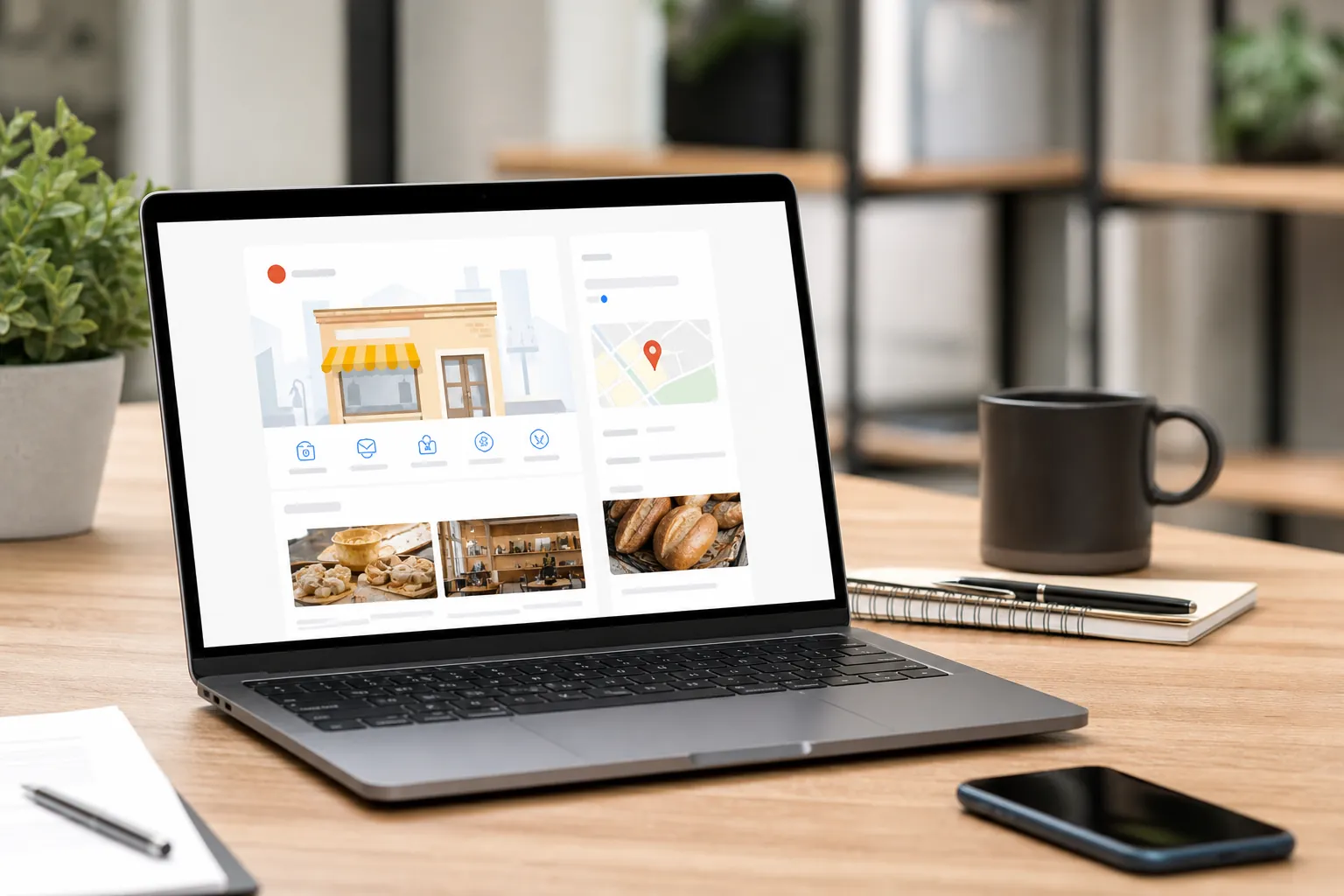
A well-maintained product catalog adds structured business information to a profile. Clear names and descriptions help potential customers understand what the company does before visiting its website or making contact.
This clarity also matters for answer engine optimization (AEO), generative engine optimization (GEO), and LLM SEO. Search and generative systems evaluate information across websites, profiles, directories, and other sources. Consistent terminology can reduce ambiguity, although no individual field guarantees inclusion in an answer or a particular search position.
Each product entry should align with a corresponding website page whenever possible. The profile offers a concise summary, while the linked page supplies detailed information, qualifications, limitations, and a conversion path. This relationship helps users move from quick discovery to informed evaluation.
Build a useful product catalog
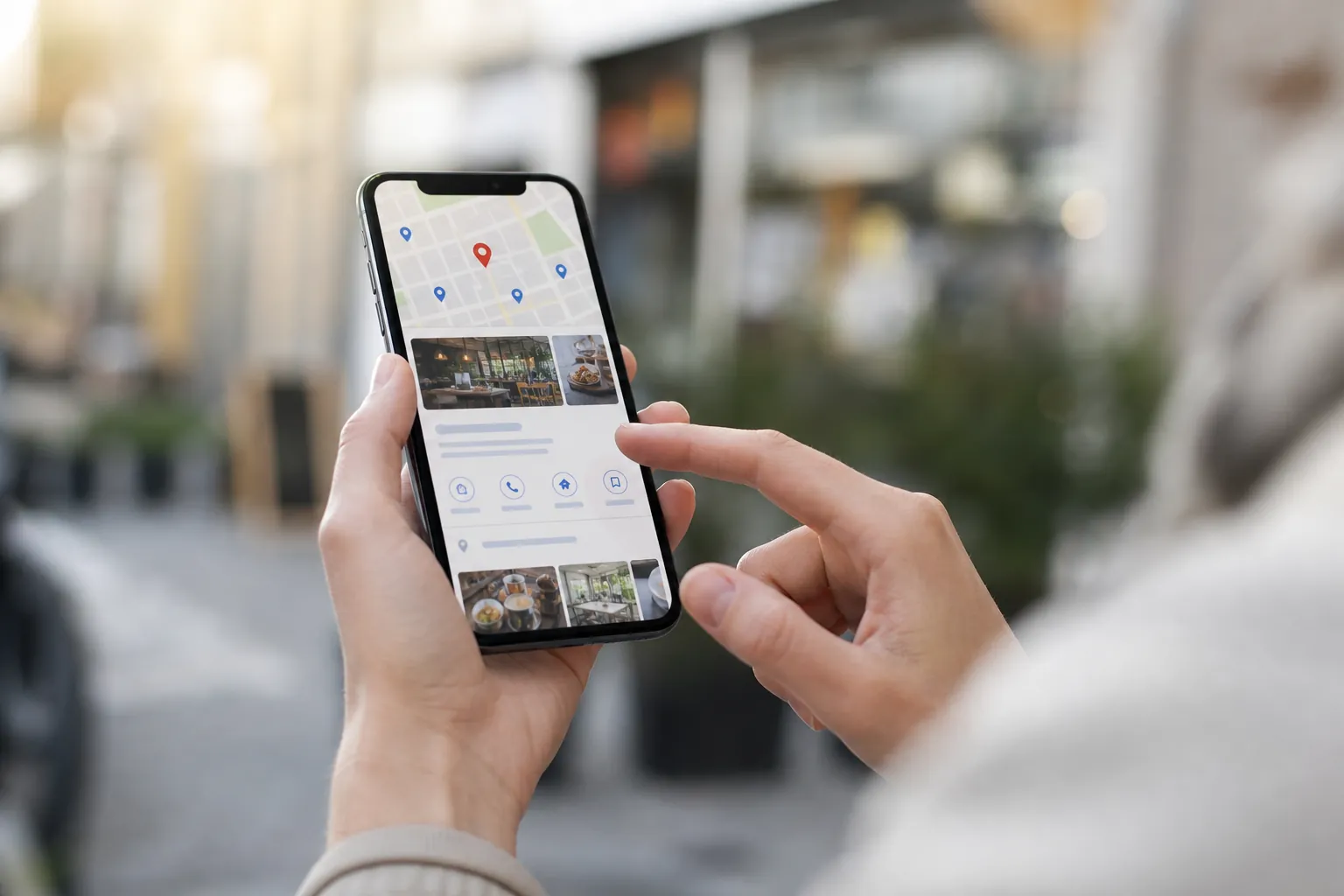
Start with the offerings that matter most to prospective customers. A smaller catalog of complete, accurate entries is generally more useful than a long list of near-duplicates.
Use the following checklist when creating or revising entries:
- Confirm eligibility: Review the profile category and available features before deciding whether an offering belongs under Products or Services.
- Create logical collections: Group related offerings using customer-friendly labels rather than internal department names.
- Write distinct product names: Make each name descriptive enough to stand alone without adding locations or repetitive keyword variations.
- Add original images: Use clear, relevant visuals that accurately represent the item, package, or service. Avoid cluttered graphics and unreadable text.
- State pricing carefully: Add a fixed price or range only when it is accurate. If pricing depends on scope, do not publish a misleading starting figure.
- Explain the offering: Cover what it is, who it is for, and what the customer should expect. Keep claims factual and verifiable.
- Link to the closest page: Send visitors to a dedicated, relevant page rather than automatically directing every item to the homepage.
- Choose an appropriate button: Match the call to action to the next step, such as learning more, ordering, or requesting information.
- Check consistency: Compare names, prices, availability, and descriptions with the website and other public business information.
- Schedule reviews: Remove discontinued offerings, repair broken links, and update changed details on a regular basis.
Write descriptions for people and search systems
Effective descriptions are concise and concrete. Open with the plain-language name of the offering, then explain its purpose and relevant audience. Add meaningful qualifiers such as format, material, service scope, or availability when those details help a customer choose.
Avoid filling every description with city names, repeated modifiers, or broad claims such as “best” and “number one.” This language can weaken readability and may create policy concerns. It also provides little useful information to AI systems trying to determine what the business actually offers.
Terminology should remain consistent across the profile and website, but the copy does not need to be identical. Natural variation is appropriate when the underlying facts stay aligned. For example, a short profile description can summarize an offering while the destination page addresses process, frequently asked questions, and related services.
Avoid common catalog mistakes
One frequent mistake is using product entries as advertisements rather than informational assets. Excessive capitalization, promotional symbols, unsupported claims, and keyword lists can make a profile look less trustworthy.
Another problem is linking products to unrelated pages. A visitor who selects a specific offering expects the destination to continue the same topic. If no suitable page exists, content strategy and web design may be needed before the catalog is expanded.
Businesses should also avoid creating duplicate products for every city they serve. Location relevance is better established through accurate profile settings, appropriate local pages, and consistent business information. Duplicating an offering solely to swap place names can produce a confusing catalog.
Finally, do not publish information and forget it. Prices change, packages evolve, and links break. Assign ownership of profile maintenance and document when entries were last checked.
Connect products with a broader search strategy
Google Business Profile products are one component of local SEO, not a standalone campaign. Their value depends partly on the quality of the profile, website, and surrounding digital presence.
A coordinated program may include Google Business Profile optimization, technical SEO, SEO audits, content strategy, link building, and web design. AI SEO, AEO, GEO, and LLM SEO can further examine whether important services are described consistently enough for conventional and generative search experiences.
Measurement should focus on useful signals such as product link clicks, calls, website engagement, and qualified inquiries. Use tagged URLs where appropriate, review performance over time, and make changes based on customer behavior rather than assumptions.
Get a focused profile review
SCALZ.AI helps businesses evaluate how profile content connects with local SEO and modern answer engines. The process can include reviewing catalog structure, descriptions, destination pages, technical issues, and broader content gaps.
If your Google Business Profile products are outdated, incomplete, or disconnected from your website, call SCALZ.AI at 407-954-8800 to discuss a practical review and next steps.
Call 407-954-8800 to talk through next steps.