

How Google Business Profile photos support local SEO
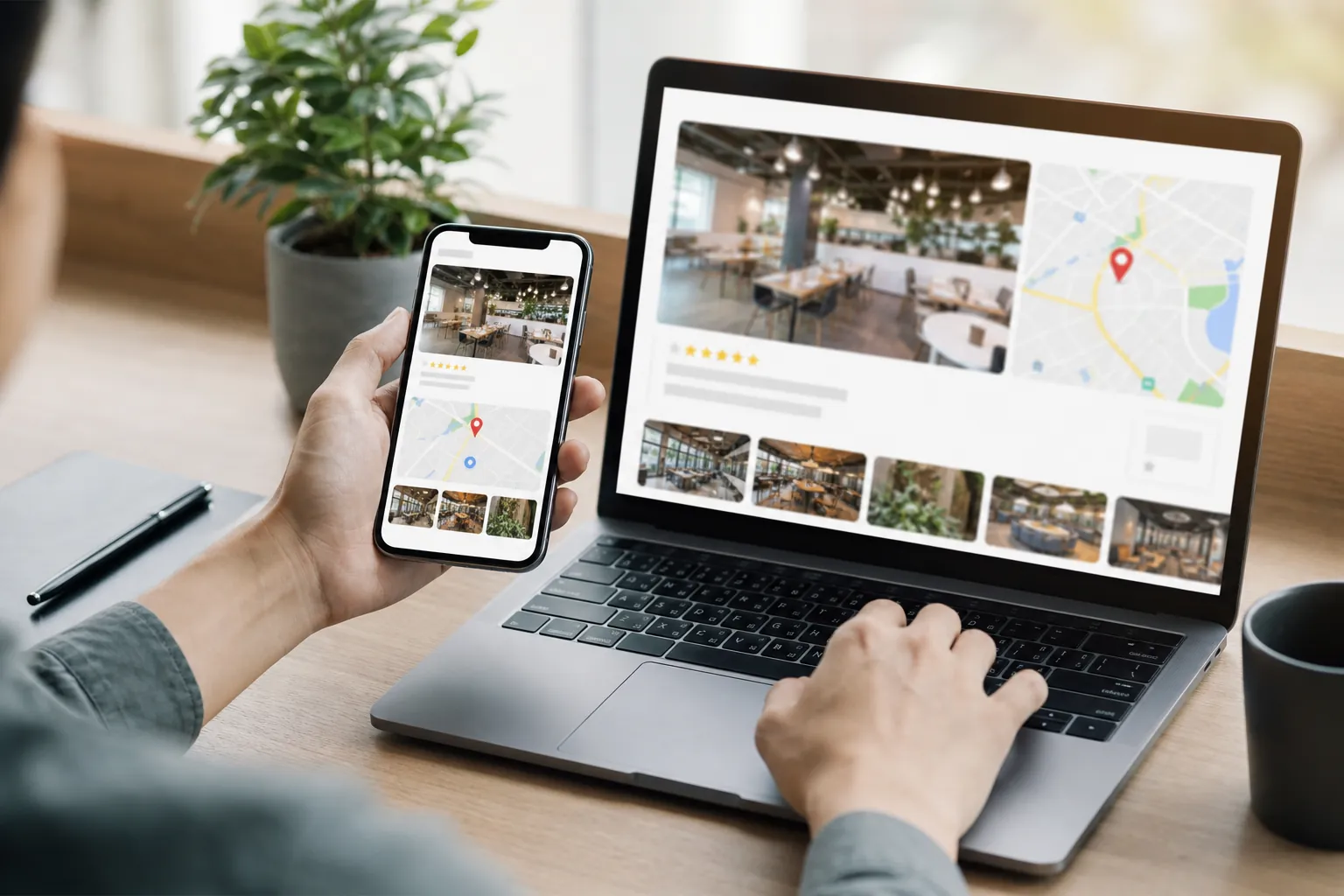
Photos on a Google Business Profile help potential customers understand a company before they visit its website, make a call, or request directions. They can show the location, staff, services, products, and overall professionalism of the business.
Google Business Profile photo SEO is not about placing keywords into image files and expecting a ranking change. It is a practical part of profile quality, local relevance, and conversion support. Accurate, useful images can make a listing more complete and help searchers decide whether the business meets their needs.
For organizations serving customers across the United States, a repeatable photo process is more valuable than occasional bulk uploads. SCALZ.AI approaches profile imagery as one component of local SEO, Google Business Profile optimization, and broader content strategy.
How Photos Fit Into Local Search
Local search performance depends on many connected factors. Business information, categories, reviews, landing pages, links, technical SEO, and geographic relevance all matter. Photos do not replace these fundamentals.
Images can still strengthen the overall experience. A clear exterior photo helps visitors recognize a building. Interior photos answer questions about the setting. Team and service photos show that the company is active and legitimate. Product images can help customers confirm that an item or service is available.
This matters because a Google Business Profile often acts as a first impression. Searchers may compare several listings without opening every website. Strong images make it easier to evaluate a business quickly, while outdated, blurry, or misleading images can create uncertainty.
Choose Photos That Answer Customer Questions
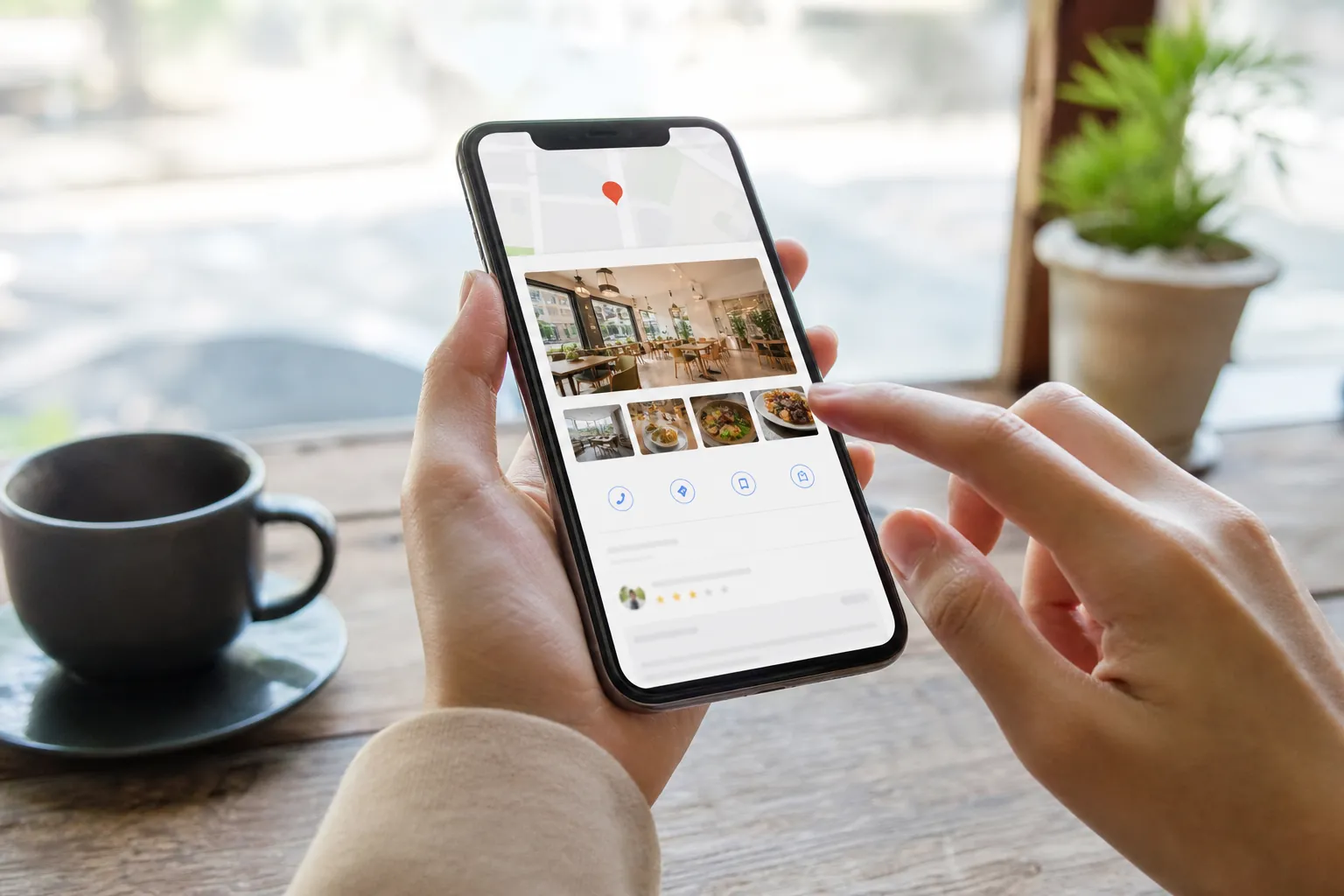
Every image should have a purpose. Instead of uploading generic stock photography, prioritize original photos that document the real customer experience. The right subjects vary by industry, but the goal remains the same: reduce uncertainty and present the business accurately.
A useful photo plan may include:
- Exterior views: Show the storefront, signage, parking area, entrance, and nearby visual landmarks when appropriate.
- Interior views: Document reception areas, service spaces, accessibility features, waiting rooms, or retail displays.
- Team photos: Introduce staff members in a professional setting, with permission from everyone pictured.
- Service photos: Demonstrate the work environment or process without exposing confidential information.
- Product photos: Use clear, current images that accurately represent what customers can purchase.
- Brand assets: Upload a recognizable logo and a cover image that reflects the location or core offering.
- Seasonal updates: Replace images when displays, hours, access points, or customer-facing spaces change.
Businesses in sensitive industries need additional safeguards. Behavioral health marketing and rehab marketing, for example, require careful attention to consent, privacy, dignity, and platform policies. Photos should never identify patients or reveal protected details. When people cannot be shown, authentic images of facilities, approved staff, or nonclinical spaces may provide useful context.

Prepare Images Before Uploading Them
Image preparation should focus on clarity, accuracy, and efficient file handling. Start with a well-lit original that is in focus and framed around the subject. Avoid excessive filters, text overlays, promotional badges, or visual clutter that makes an image look like an advertisement.
Use common image formats and compress large files while preserving visible quality. Keep a high-resolution original in a central asset library, then create an upload-ready version. Consistent file organization makes future audits and replacements easier.
Descriptive filenames can help internal workflows, especially when a company manages many locations. A filename such as denver-office-main-entrance.jpg is easier for a team to identify than IMG_1847.jpg. However, filenames should not be stuffed with repetitive keywords. Google may process image information from several sources, and a filename alone is not a local SEO strategy.
Metadata and geotags are also commonly overstated. Location data may be removed or ignored during platform processing, so businesses should not treat embedded coordinates as a shortcut. Accurate profile information, genuine location imagery, relevant website content, and consistent management are more dependable priorities.
Build A Sustainable Publishing Process
A photo library should reflect the business as it exists today. Assign responsibility for capturing, reviewing, and uploading images. Multi-location organizations may need local contributors and a central reviewer to maintain quality and brand standards.
Use a simple checklist for each upload:
- Confirm that the image belongs to the correct location.
- Verify that the photo is recent and factually accurate.
- Check focus, lighting, orientation, and cropping.
- Obtain necessary permission from recognizable people.
- Remove confidential documents, screens, badges, and personal data.
- Avoid duplicate uploads and near-identical shots.
- Review the live profile after publishing.
- Record the image date, location, category, and approval status.
Google can also display customer-contributed images. Monitor these regularly, but request removal only when content violates applicable policies. A business generally cannot remove a photo simply because it is unflattering. The more constructive response is often to publish accurate, high-quality images that better represent the current experience.
Connect Profile Photos With The Website
Profile optimization works best when it aligns with the company website. Location pages should contain accurate contact details, useful service information, and original images relevant to that office. On the website, descriptive alternative text can improve accessibility when it explains the image naturally. Alt text should not become a list of search terms.
Technical SEO also matters. Proper sizing, compression, responsive delivery, and stable layouts can keep website imagery from slowing important pages. Web design and content strategy should support the same brand experience shown on the profile.
This consistency can also support AI SEO, answer engine optimization (AEO), generative engine optimization (GEO), and LLM SEO. These disciplines depend on clear, corroborated information across owned properties. Images need surrounding context, such as page headings, service descriptions, location details, and structured business information, so both people and systems can interpret the business accurately.
Measure What Photos Contribute
Do not evaluate photos as an isolated ranking lever. Review profile engagement, website traffic, calls, direction requests, landing-page behavior, and lead quality alongside other local SEO work. Platform reporting and analytics can indicate patterns, but they may not prove that a specific photo caused an action.
SEO audits can identify broader issues that limit the value of profile activity, including incorrect business data, weak location pages, technical problems, or inconsistent branding. Depending on the business, link building, PPC management, and Google Business Profile optimization may also form part of a coordinated acquisition plan.
SCALZ.AI helps United States businesses build practical local search processes without relying on photo hacks or guarantees. For a calm review of your profile, website, and image workflow, call 407-954-8800.
Call 407-954-8800 to talk through next steps.