

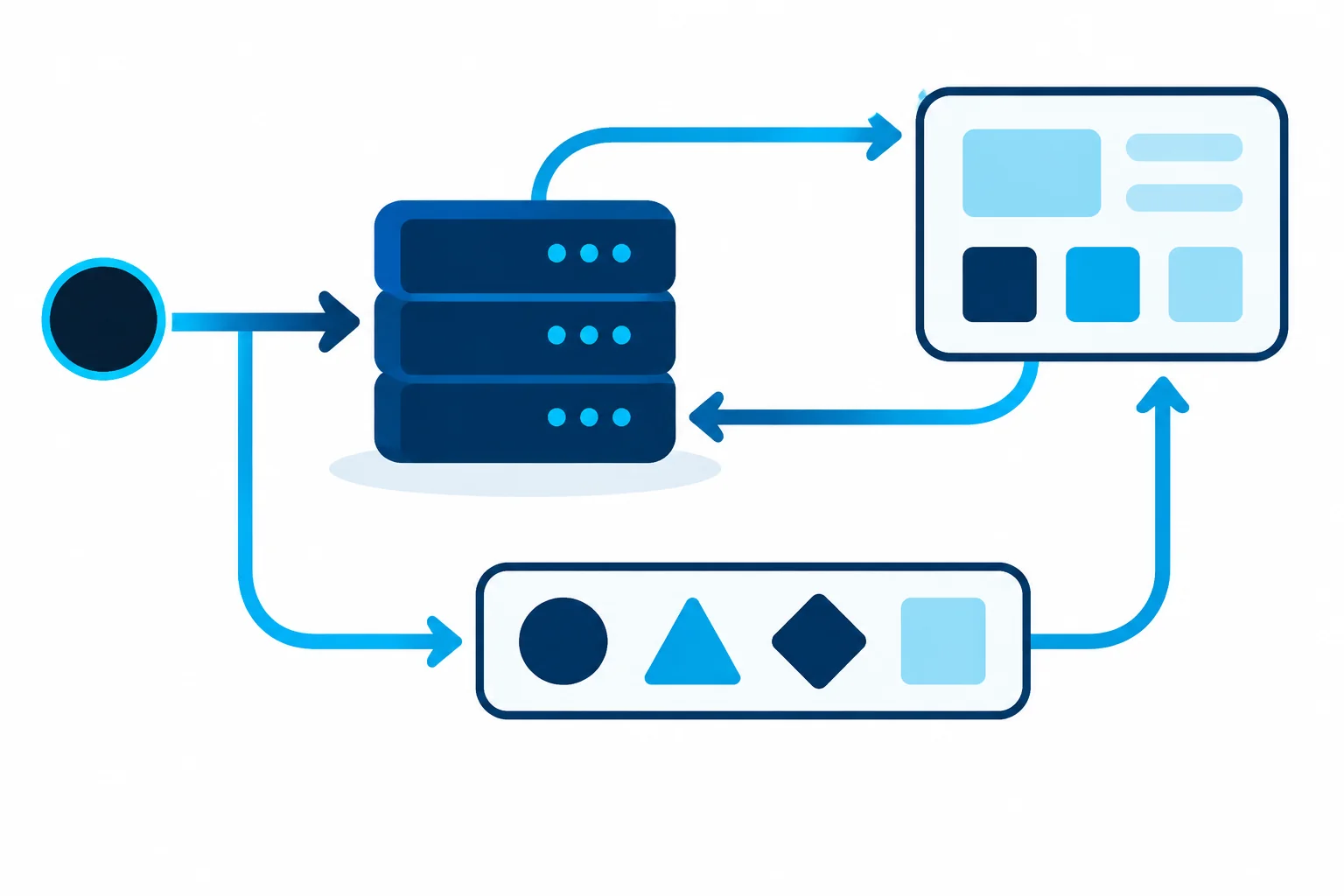
Search Console bulk export is an ongoing reporting pipeline, not simply a larger report download. For FL website owners and agency technical leads, the decision depends on whether recurring analysis justifies maintaining a billed Cloud destination, monitoring daily exports, and responding to failures. Start with the reporting question, then establish who will own the destination, retention policy, and operating checks.
To connect exported query and page data with the topics and entities your site covers, see our guide to entity SEO for AI search.
Does a Daily Export Fit Your Reporting Workload?
Choose bulk export when recurring analysis needs a maintained BigQuery dataset and someone can operate it reliably. Keep that infrastructure decision separate from the marketing questions addressed through SCALZ.AI search reporting and evidence review and the AEO measurement framework. Exporting data supports analysis; it does not demonstrate improved visibility or an AI citation.
Google's bulk export overview describes a scheduled daily export of Search Console performance data to BigQuery, where teams can run complex queries or export data to external storage. Its scope is the performance data available to Search Console for the property, except anonymized queries. That exclusion belongs in the reporting specification, especially when stakeholders expect a complete inventory of search phrases.
The operational distinction matters more than the file format. An occasional report download serves a bounded question at a particular moment. A daily pipeline creates an accumulating dataset with billing, permissions, retention, and failure-response responsibilities. If the actual need is an occasional review, maintaining that pipeline may introduce work without solving a meaningful reporting problem.
Before choosing it, describe the recurring analysis in plain language: what question needs answering, how often the answer is needed, and who will use it. Then identify the person responsible for checking whether the underlying export succeeded. Avoid treating a familiar dashboard as evidence that its upstream data arrived successfully.
For addiction treatment marketing teams, the broader guide to improving treatment center visibility with AI SEO provides context for measuring traditional search alongside AI visibility. This export supports the Search Console reporting component. It should not be relabeled as a cross-platform record of citations in ChatGPT, Perplexity, or other answer engines.
Complete the Project and Dataset Preflight
Proceed only after the responsible owners have confirmed the destination project, required permissions, dataset name, and location. Treat this as infrastructure readiness supporting SCALZ.AI's broader measurement approach, not as a substitute for the separate observations described in LLM SEO reporting. Each reporting source needs its own documented scope.
Google's bulk export setup instructions require a Google Cloud project with billing and enabled BigQuery services. The instructions specify both the BigQuery API and BigQuery Storage API. A free usage level exists, but that does not remove the billing prerequisite. Missing billing information can cause export writes to fail even when permissions have been granted.
Permission responsibilities span two systems. Google's monitoring guidance requires Search Console owner permissions to start or stop an export. On the Cloud side, the designated Search Console export service account needs the BigQuery Job User and BigQuery Data Editor roles in the destination project. Confirm these responsibilities with the authorized administrators rather than assuming that access to a report also provides authority to configure its pipeline.
- Identify the property and owner. Record which Search Console property is in scope and who can make export configuration decisions.
- Confirm the destination. Record the Cloud project ID, not the project number, and verify billing and both required APIs.
- Check export permissions. Have the authorized Cloud administrator verify the required service-account roles and relevant organization policies.
- Reserve a dataset name. The default is
searchconsole; customized names must still begin withsearchconsole. - Separate properties. Properties exporting to one project need distinct dataset names because two properties cannot write to the same destination dataset.
- Approve location and retention. Record the chosen location, intended retention period, and responsible operating contact before configuration.
Search Console creates the dataset in the selected location with the first export. Google warns that changing that location later is not straightforward. A website serving FL does not, by itself, determine the appropriate dataset location. Have the responsible administrator check organizational restrictions before approving the choice.
Set Retention and Plan the First Export
Approve a retention policy and cost ownership before relying on the first export, then verify actual delivery rather than assuming configuration means completion. The reporting priorities described by SCALZ.AI and the separate evidence requirements of answer engine optimization both benefit from clearly labeled data coverage and known limitations.
Google's setup guidance says data accumulates indefinitely unless an expiration time is set. Storage and query usage are subject to Google Cloud costs, with a free usage level. A readiness review should therefore distinguish the cost of retaining data from the cost of querying it. The supplied documentation does not establish what a particular website's bill will be, so avoid quoting an estimate without a separate usage assessment.
Assign someone to review retention against the analysis the team actually needs. Keeping everything indefinitely should be an intentional choice, not an unnoticed default. Conversely, a short retention policy can undermine planned comparisons. If partition expiration is configured, Google's setup instructions say to make it at least 14 days; its monitoring guidance also identifies overly short expiration as an export failure condition.
Configuration and delivery have different timing. Google says the export process should begin within a day, while the first export can occur up to 48 hours after successful Search Console configuration. That first export includes data for the day of the export. Do not promise that enabling the pipeline will populate an earlier reporting period.
For historical data preceding initial setup, Google directs users to the Search Console API or reports. Keep any historical extraction separately documented so analysts know its collection method and coverage. A combined presentation should not imply that every date came through the same daily export pipeline.
For launch acceptance, record the configuration time, destination values, first successful export, and earliest available reporting date. These are practical operating records, not marketing outcomes. They make it easier to distinguish an expected startup interval from a configuration problem and prevent stakeholders from interpreting unavailable history as a change in search performance.
Monitor Delivery and Respond to Failures
Monitor export delivery independently from the performance being analyzed: a working pipeline and a successful marketing program are different findings. Apply that distinction when reviewing AEO evidence or LLM visibility observations, and do not let either reporting stream obscure a failed Search Console export.
Google's export management and monitoring guidance says Search Console displays the most recent export attempt in Settings beside Bulk data export, with more information on the export settings page. For a comprehensive list of successful exports, use the export log table. Search Console does not preserve unsuccessful attempts there beyond the latest attempt shown in its interface.
Google sends messages to property owners and full users when an export error occurs or is fixed, but not for errors deemed transient. Export errors are not recorded in the BigQuery ExportLog table. More detail may be available in Cloud Logs Explorer by searching for search-console-data-export. Maintain a separate incident record when troubleshooting needs to span multiple attempts.
| Failure area | What to verify | Response boundary |
|---|---|---|
| Project readiness | Correct project ID, valid billing, and both required BigQuery APIs | Have the responsible Cloud administrator correct the configuration |
| Access or destination | Required roles, unique dataset, location match, and organization restrictions | Resolve the reported mismatch rather than repeatedly changing unrelated settings |
| Table configuration | Unchanged schema and partition expiration of at least 14 days | Assess potential data loss before any table removal |
| Quota or service error | Reported quota issue, deadline exceeded, or unknown error | Distinguish a destination limit from an issue Google says may require waiting |
- Capture the latest status. Record the affected property, destination, reported error, and missing dates before making changes.
- Classify the failure. Check the reported category against project, billing, API, access, dataset, quota, expiration, or schema conditions.
- Assign the correction. Route Cloud configuration issues to the authorized administrator. Google's guidance says a deadline-exceeded error is probably a Search Console issue rather than something the site team can fix.
- Test the correction. Use Test report to check easily tested settings, including project identification and Cloud access. Record the result without treating it as an export.
- Verify the next scheduled attempt. A successful test neither triggers a new export nor checks every condition, including quota. Google advises checking back in about a day.
- Close against delivered data. Confirm the latest status and successful-export history, then document any remaining missing dates before declaring the incident resolved.
Recovery is time-sensitive. Google's monitoring guidance says failed-export data is retained for about a week; after that, data for the affected day can be dropped. After about a month of failed attempts, Search Console stops the bulk export entirely. Scheduled retries can include previously unexported data while it remains available, but they are not a reason to leave a persistent error unattended.
Plan Stops, Restarts, and Location Changes
Document how the pipeline can be stopped, resumed, or moved before those actions become urgent. This operating policy supports the measurement discipline behind AI SEO visibility planning for treatment centers and SCALZ.AI's evidence-led service approach. It should identify decision-makers, destination records, and continuity checks.
According to Google's management guidance, deactivation stops bulk exports within the next 24 hours, so one additional export may arrive. Existing tables are not deleted and remain usable in BigQuery. If an immediate stop is critical, Google identifies removal of the Search Console principal's Cloud permissions as an option for the authorized Cloud administrator. That is a separate access decision, not the normal timing of deactivation.
A stopped export can be restarted, provided destination access settings remain suitable. To continue with the same destination, retain the previous project ID, dataset information, and location in the operating record. Google says existing tables receive additional data; if the previous tables have been deleted, Search Console creates new ones. Do not assume that restarting reconstructs every missing date.
Moving location is not natively supported as a simple export setting change. Google's documented workaround is to stop the export, wait 24 hours, confirm the last export succeeded, copy the dataset to the new location, and start a new export there. Google warns that this migration can miss a day or two of data. Include that possibility in the migration decision and subsequent coverage notes.
The final readiness decision should name an operating owner, a backup contact, a retention policy, and an escalation path. For buyers considering SCALZ.AI's premium, custom, done-for-you search services, ask how reporting responsibilities and evidence limitations will be documented. A maintained export can support analysis, but it does not promise rankings, AI citations, admissions, or revenue.