

Dental Website Scheduling Links: A Clearer Path

Keep dental website online scheduling links consistent, easy to find, and accurate about the next step. Each link should send patients to the right office and booking flow. Check the full path on phones, explain any handoff, and assign someone to review links when your site or scheduling tool changes.
Where should dental website scheduling links appear?
Place scheduling links where patients make a clear next-step choice. Start with your main navigation, location pages, and relevant service pages. Keep each destination aligned with that page. Use the healthcare search content review workflow for review planning; the rehab marketing agency guide provides broader, cross-sector agency context.
Start with an inventory of your current links. Include header buttons, footer links, page buttons, and mobile menus. Check pop-ups and sticky bars too. A link hidden in an old page can still receive visits from search.
Give each placement a clear purpose. A location page should lead toward that office's booking path. A service page may need more detail before the next step. Don't send every visitor to a broad booking screen without checking its fit.
Keep the main booking action easy to spot. Avoid several nearby buttons that use different words for the same task. Patients should not need to guess if “Get Started” and “Book Online” lead to different places.
For larger sites, keep a shared link map. Record the source page, button label, destination, and responsible team. This helps staff spot old vendor links after a redesign. It also gives your agency a clear audit scope.
Review these common placements before adding more buttons. More links create more upkeep, so each one should serve a real need.
- Place a clear booking link in the main navigation.
- Connect each office page to its correct scheduling destination.
- Check footer links for old vendors or closed booking paths.
- Review mobile menus and sticky buttons on small screens.
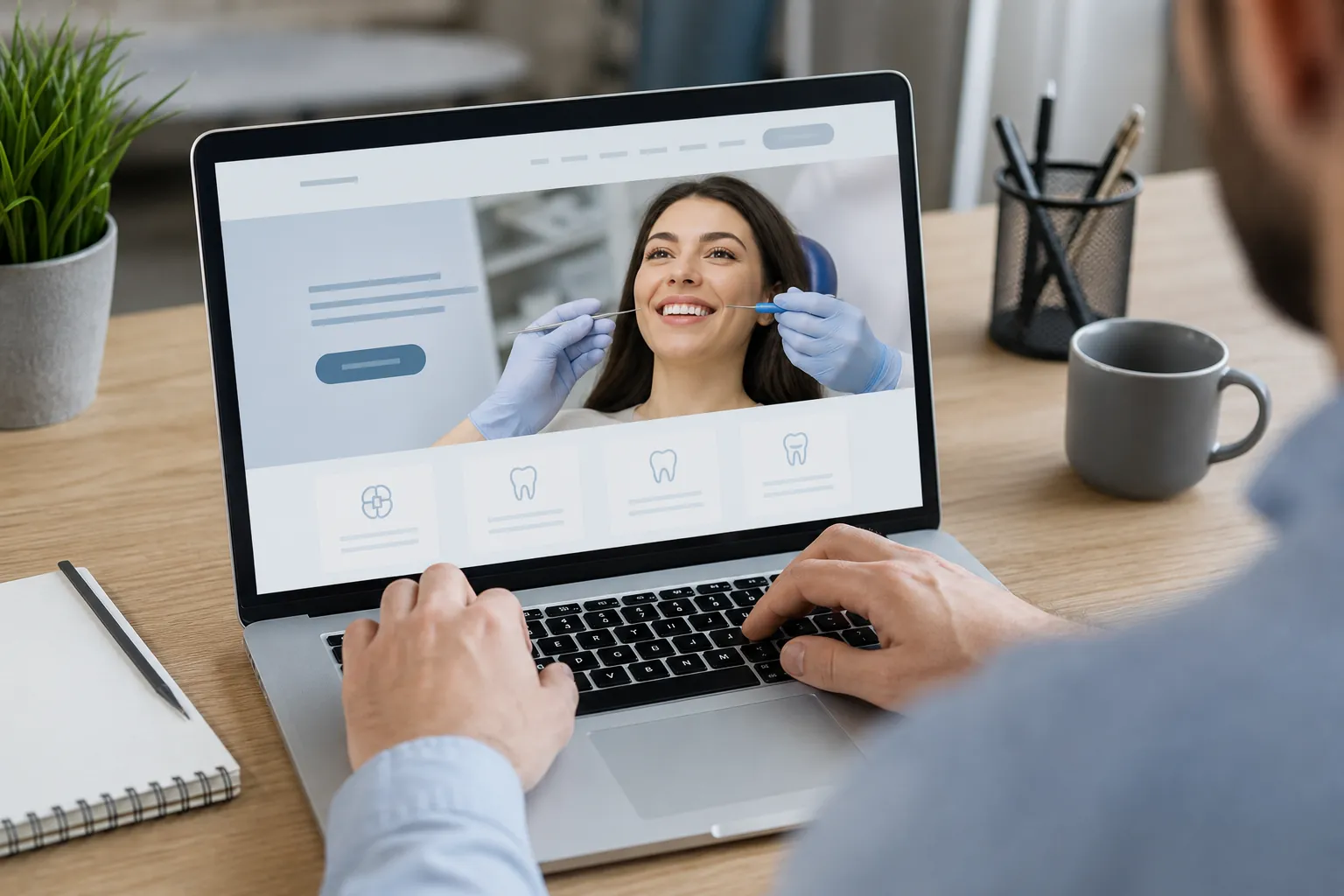
What should a dental booking button actually say?
Use button text that describes what happens after the click. “Request an Appointment” and “Book an Appointment” can mean different things. Confirm the real workflow before choosing either. The healthcare search content review workflow supports that review; the rehab marketing agency guide adds context for evaluating agency work.
A request form may need staff review before a time is set. A booking tool may let someone choose an open slot. Your wording should reflect that difference. Check the screen after submission, too, since it should match the first button's claim.
Use the same core label for the same action. Small changes can make one task look like several choices. Avoid vague labels such as “Continue” when the next step is unclear. Add a short note near the button when a handoff needs context.
The label should also make sense on its own. A patient may scan a page without reading nearby text. Clear link names help users understand the page. They also make routine content reviews simpler for your team.
Choose wording after checking the live tool, rather than copying another practice. The table below shows useful distinctions, not fixed labels for every site.
| Actual next step | Possible label | Detail to confirm |
|---|---|---|
| Send a request | Request an Appointment | Explain any staff confirmation step. |
| Choose a live time | Book an Appointment | Confirm when the time becomes booked. |
| Select an office | Choose Your Location | Show clear office names. |
| Leave the practice website | Continue to Online Scheduling | Identify the outside booking service. |

How do you prevent wrong-office and mobile booking errors?
Test the whole booking path for each office and device type. A working button can still open the wrong calendar or hide key controls. Use the healthcare search content review workflow to structure checks. For broader agency oversight, consult the rehab marketing agency guide as a cross-sector reference.
Start each test from the page a patient would use. Don't begin inside the booking tool. Open the location page, find its button, and follow the handoff. Confirm that the office name stays clear throughout the flow.
Test the mobile menu and the page button separately. They may use different links in the site code. Check any fixed button at the screen's edge as well. It should not block text, form fields, or consent controls.
Look for needless steps after the click. Some tools ask patients to choose an office again. If that step can't be removed, explain it before the handoff. Avoid making the page seem broken when the tool is working as designed.
Use a vendor-approved test method where possible. Don't create live appointments just to test a link. Ask the practice and vendor how to check the final step. Use test data rather than real patient details.
Record what you tested and what remains unverified. A screenshot alone won't show that every step works. These checks give your team a repeatable starting point.
- Open the source page on a phone and desktop.
- Follow each booking link and confirm the correct office.
- Check that labels and instructions match the next screen.
- Test keyboard access and note any blocked or hidden controls.
- Record the result, test date, and person responsible for fixes.
How do scheduling links fit SEO, AEO, and AI search?
Scheduling links should support clear dental pages, not replace useful content. Explain the practice, office, and booking process in readable text. The healthcare search content review workflow can guide page checks. The AEO guide for rehab providers offers cross-sector background on answer-focused content, rather than dental-specific booking guidance.
Google's SEO Starter Guide supports clear site structure and descriptive links. Apply that principle to location and service pages. Give each page a useful purpose before asking for a booking. Don't build thin pages around repeated appointment buttons.
Google's people-first content guidance also favors content made to help readers. On a dental site, explain how to request a visit. State if the online tool serves new patients, existing patients, or both. Confirm those details with the practice.
For answer engine optimization, or AEO, write brief answers to real booking questions. Keep key facts in readable page text. An outside widget may hold details that your own page never explains. Put essential handoff guidance near the link.
Treat AI search as a separate reporting question. Clear text may help systems interpret a page, but it doesn't establish inclusion. A booking link alone does not secure mentions in Google AI Overviews, ChatGPT, Perplexity, or Gemini. Ask agencies to separate those claims from completed work.
For dental buyers, SCALZ.AI's dental SEO service is the relevant service scope. Link clarity can fit within technical SEO, content strategy, and conversion rate optimization. Ask which tasks the proposal includes. Confirm how the team will report search visibility and booking-path issues.
What should you measure without exposing patient details?
Measure the booking path in stages, with privacy review before tracking changes. A button click shows interest, not a confirmed visit. Use the healthcare search content review workflow to document checks. The rehab marketing agency guide offers broader context for reporting questions across healthcare marketing work.
Start with a simple measurement plan. You may track visits to key pages and clicks on scheduling links. A completed booking is a separate event. Only report it when the tool supports a valid, reviewed way to measure it.
Outside booking tools can break the reporting trail. Your site may record an outbound click while the vendor records a later step. Those counts answer different questions. Label them clearly rather than combining them into one conversion total.
Don't send form entries or patient details into marketing reports by default. Page addresses, event names, and tracking fields deserve review too. Avoid building event labels from information that people type. Get appropriate privacy and legal input before launch.
U.S. HHS guidance addresses online tracking technologies used by HIPAA covered entities. Its application depends on the facts and applicable requirements. Ask qualified privacy and legal advisers to assess your setup. This post does not determine your practice's obligations.
Give agency buyers a reporting sample before work starts. It should distinguish clicks, requests, and confirmed bookings where each can be measured. Ask what data is missing and why. A useful report makes those gaps plain instead of hiding them behind one large total.
Keep the dashboard focused on decisions the practice can make. Broken destinations need a site fix. A large drop after an outside handoff may need vendor review. Click counts alone cannot tell you why someone stopped.
Who should maintain links when the website or vendor changes?
Assign one owner for the link map and name each team's duties. Site edits, vendor changes, and office updates can affect booking paths. The healthcare search content review workflow helps organize reviews. The rehab marketing agency guide provides broader context for setting agency scope and ownership.
Split work by who controls each part. The practice confirms office details and booking rules. The website team updates pages and buttons. The scheduling vendor handles its own tool. One person should track open tasks across those groups.
Review links when you change vendors, add an office, or rebuild navigation. A domain change can affect old bookmarks and search visits. Staff may also share links in emails or business listings. Include those uses when planning a switch.
Keep the current link map in a shared place. Record changes in plain language so new staff can follow them. Note any limits, such as a vendor page your agency cannot edit. This helps prevent repeated work and missed handoffs.
Ask how shared buttons are managed within the website. A reusable site component can reduce manual edits. Yet some pages may contain their own pasted links. A global change should still include a check for those exceptions.
Use a clear review schedule based on site activity. A busy redesign needs more checks than a quiet period. Ask for a fresh test after relevant changes go live. Don't assume an old audit proves the current path still works.
Keep a correction plan ready for a broken booking path. It may involve fixing a destination or removing a stale link. Confirm any temporary instructions with the practice first. Don't promise a fallback channel unless the practice has verified it.
What should a dental SEO agency include in its proposal?
Ask for a defined audit, a fix list, testing duties, and ongoing ownership. A premium service should make its scope clear. Use the healthcare search content review workflow to assess review depth. The rehab marketing agency guide offers cross-sector context for comparing agency roles and reporting.
SCALZ.AI's service is premium, custom, and done-for-you. For this topic, the discussion should stay focused on dental SEO and the website booking path. Ask which configured services fit the work. Don't assume every service belongs in every plan.
A custom plan should reflect your actual site and vendor. A small practice may have one booking destination. A group may have office-specific links and several website templates. The proposal should state which pages, systems, and teams are in scope.
Ask what done-for-you means in practical terms. The agency may control website edits while the vendor controls booking screens. Practice staff still need to confirm business facts. Define approvals and access needs before the first changes are made.
Compare proposals on clear work products rather than broad visibility claims. Useful outputs include a link inventory, issue log, tested fixes, and reporting notes. Ask how SEO, AEO, and AI search tasks differ. Each should connect to a stated need.
Use these questions to make agency comparisons more concrete. The answers should show who does the work and how it is checked.
- Ask which pages, buttons, and outside booking tools the audit covers.
- Confirm who can edit the website and contact the vendor.
- Request a test plan that covers phones and office-specific routes.
- Ask how reporting separates booking clicks from confirmed appointments.
- Confirm which changes require practice approval or qualified privacy review.
Questions about next steps? Call SCALZ.AI at 407-954-8800 or review aeo.
Frequently Asked Questions
Should online scheduling open in a new tab?
Choose the behavior that makes the handoff clearest for your users. A new tab can preserve the practice page, but it may surprise some visitors. Tell users when a link opens another site or tab where useful. Test the choice on mobile and with keyboard navigation before using it across the website.
Can a booking link include campaign tracking tags?
It may, if the scheduling tool supports them and the setup passes appropriate review. Confirm that tags don't break the destination or carry patient details. Ask the vendor which fields it accepts. Keep tracking labels broad, document their purpose, and have qualified privacy advisers review the data flow when needed.
Should every dental service page have its own booking destination?
No. Use a separate destination only when it serves a real booking need. Some practices use one tool for all visit requests. Others route certain requests through staff. Confirm the actual process before creating extra links. Page-specific text can explain the next step without adding a new destination.
What if the scheduling tool is temporarily unavailable?
Use a practice-approved message and a verified next step. Don't leave a broken button as the only instruction. Explain that online scheduling is unavailable without speculating about the cause. Confirm who will update the page and who will restore the normal link. Keep any temporary message accurate as conditions change.
Should old scheduling pages be deleted after a vendor switch?
Review each old page before removing it. Some may still receive search visits or links from emails. Replace stale instructions with a clear current path where appropriate. Ask your website team to assess redirects and remaining links. The goal is to avoid dead ends while keeping booking information accurate.
Sources
- SEO Starter Guide, Google Search Central
- Creating Helpful, Reliable, People-First Content, Google Search Central
- Use of Online Tracking Technologies by HIPAA Covered Entities, U.S. HHS
Call 407-954-8800 to talk through next steps.