

Dental Website Image Alt Text: A Practical Guide
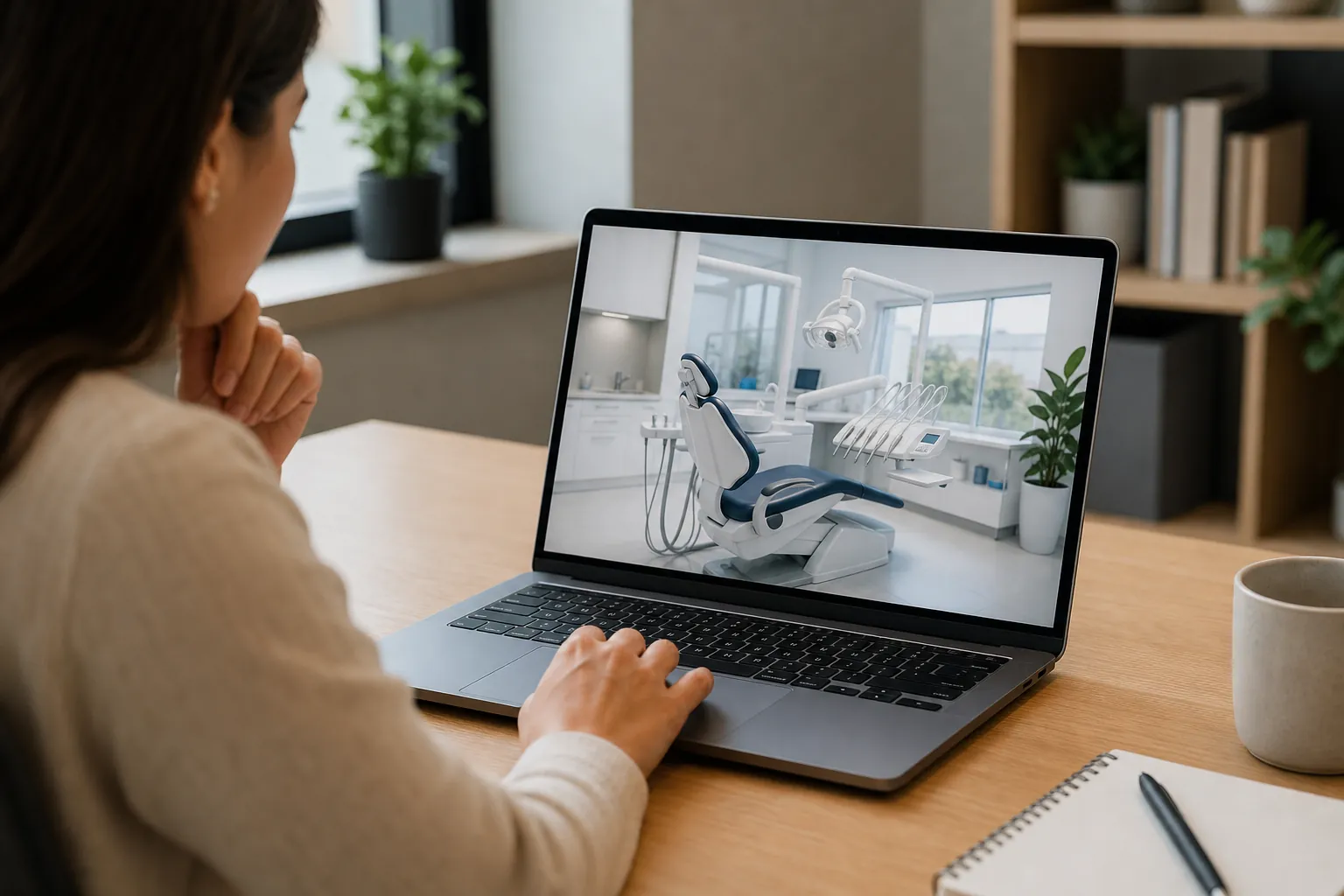
Good dental website image alt text explains an image’s purpose in clear, brief words. Describe useful visual details, skip sales claims, and avoid repeated keywords. Some images need empty alt text instead. A sound review checks the image, its page context, and any action the image helps someone take.
What should dental image alt text explain?
Alt text should convey the useful meaning an image adds to its page. Start with purpose, rather than a target keyword. Multi-specialty teams can use the same review approach across their rehab marketing agency planning and healthcare search content review workflow, while keeping each practice’s facts separate.
Alt text is a text alternative attached to an image. Screen readers can use it when people browse a page. Browsers may show it when an image fails to load. It also gives search engines context about the image.
The right words depend on where the image appears. A team photo may help identify staff on an about page. The same photo in a visual banner may add no new meaning. Read the heading and nearby text before writing.
Ask what someone would miss without seeing the image. That missing meaning is the best starting point. Avoid describing every color, chair, or wall unless those details matter. Short text works when it preserves the main point.
For example, a photo beside arrival details might show the entrance. Useful wording could be: “Practice entrance beside the courtyard gate.” Use that wording only when the photo shows those facts. Don’t add access claims that the image cannot establish.
Treat these examples as writing patterns, rather than facts about your practice. Check each description against the actual image and page. Keep service names, staff names, and location details out unless they are relevant and verified. Alt text should clarify existing content, not introduce new claims.
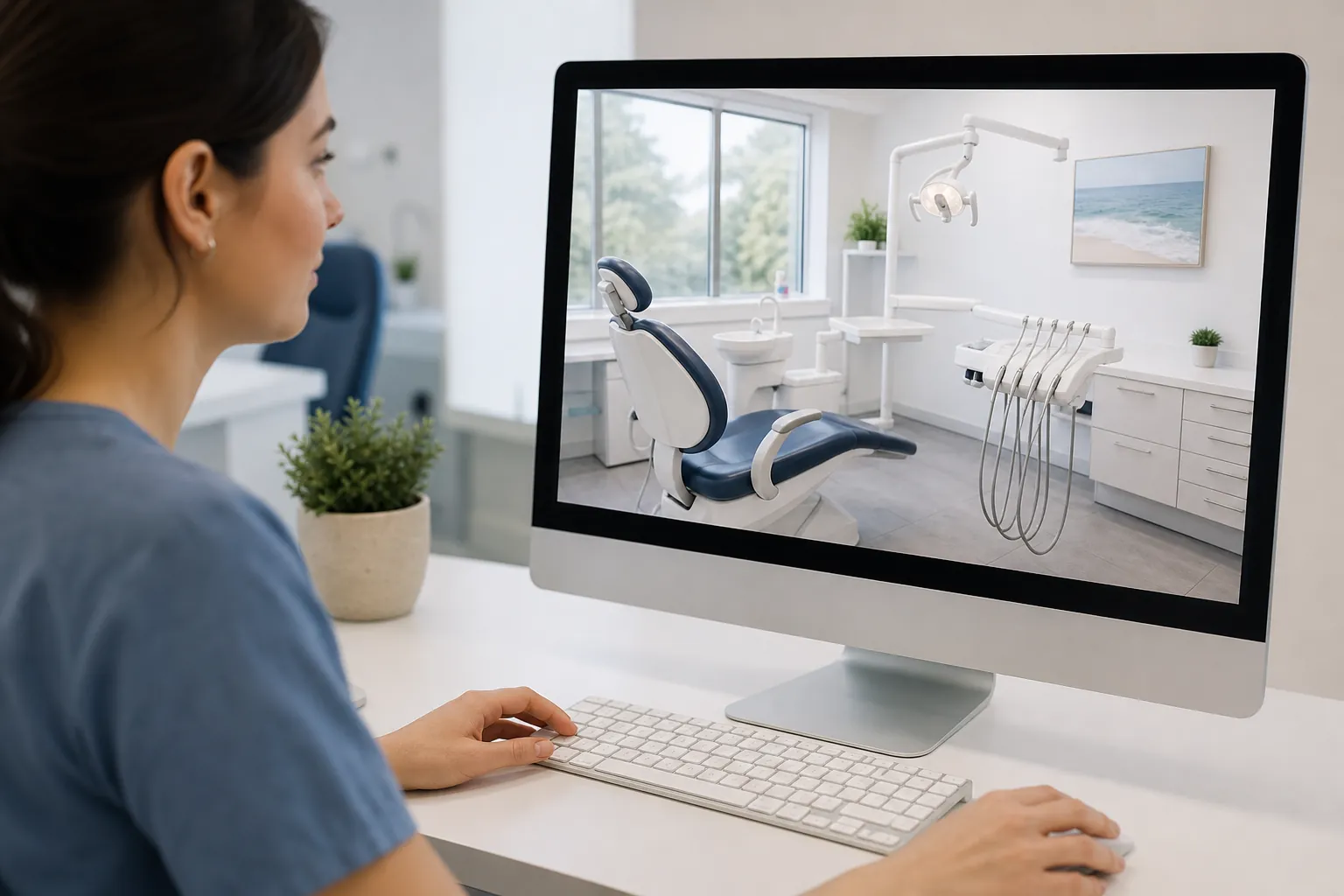
How do you write useful alt text without keyword stuffing?
Write a short description that fits the image’s job on that page. Include a service or place name only when it adds real meaning. The healthcare search content review workflow offers broader review context, while answer engine optimization for rehabs addresses another healthcare specialty’s search needs.
Start with the main subject and the useful detail. “Dentist pointing to a tooth model” may be enough. A phrase such as “best dentist affordable dental office nearby” fails to explain the picture. It turns a helpful field into sales copy.
There is no single word count that fits every image. Aim for the shortest description that preserves its purpose. Complex visual information may need an explanation in the page text. Trying to fit that whole explanation into alt text can make it hard to follow.
A city name can fit when the image identifies a real location. It adds little to a close-up of a desk. Never insert places where the practice has no verified presence. The same care applies to service names and staff titles.
Read the draft with the nearby heading and caption. Remove facts that the surrounding text already makes clear, unless needed for meaning. Google Search Central’s SEO Starter Guide supports useful, descriptive alt text and warns against keyword stuffing.
- Read the page heading and nearby copy before drafting the description.
- Identify the one detail someone needs from the image.
- Write plain words that reflect only visible, verified facts.
- Check the final text in the published page’s context.
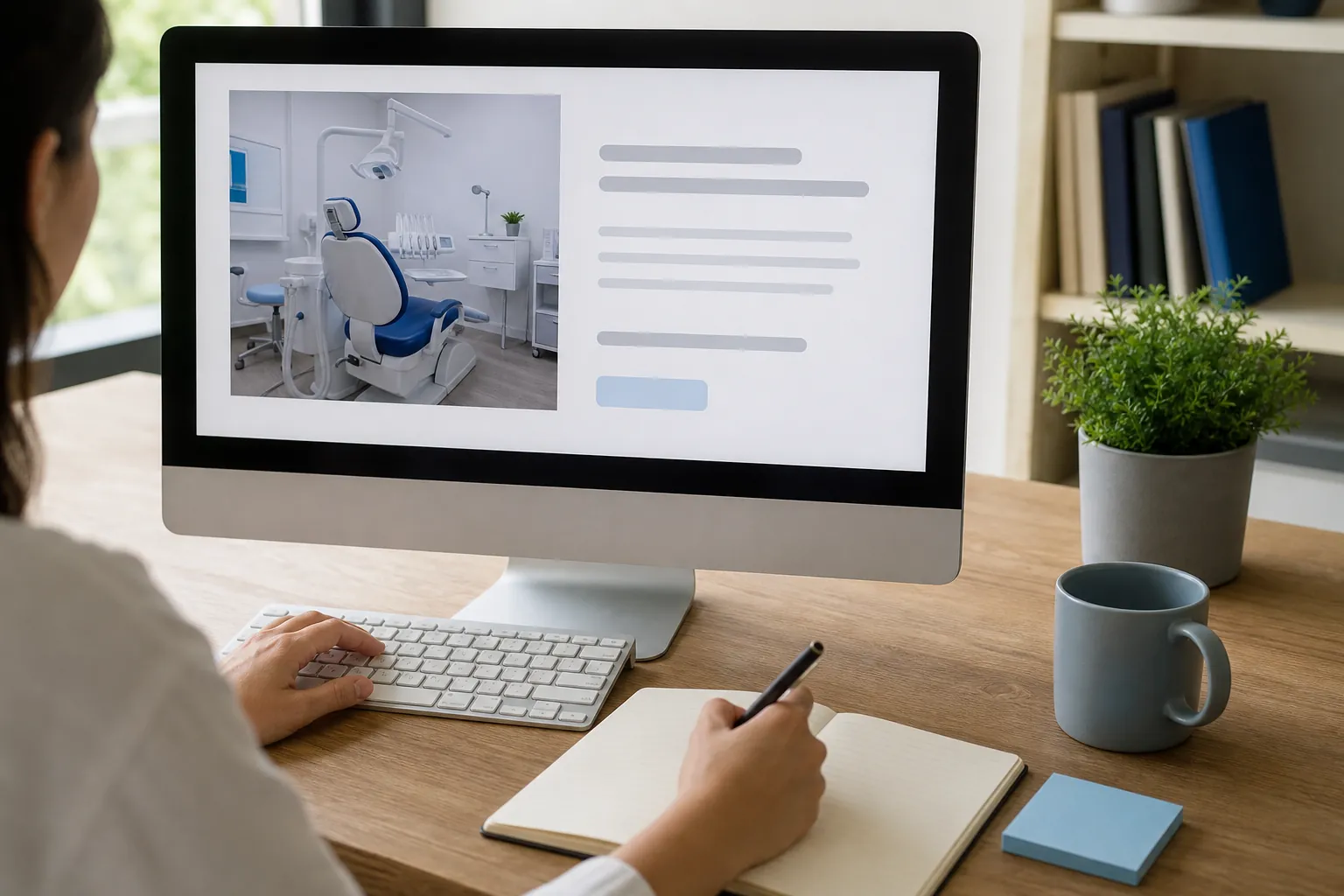
Which dental website images need different treatment?
Image purpose determines the right text treatment. Informative photos, linked images, charts, and decoration do different jobs. Use your healthcare search content review workflow to record those choices. For broader healthcare teams, rehab marketing agency planning should keep each specialty’s images and claims distinct.
A useful image adds meaning that deserves a text alternative. Pure decoration may call for an empty alt attribute. That tells assistive tools to skip it. Simply leaving the field unset can behave differently, so check how your website handles it.
For a linked image, explain the action or destination when needed. A logo linking to the home page serves a different purpose from a staff portrait. Avoid vague text such as “click here.” Check the whole link’s accessible name before adding more words.
Charts and diagrams often need more than a brief label. Put the key information in readable page text as well. A short alternative can identify the visual and point to that explanation. Important facts should not exist only inside a picture.
These choices can depend on how a website is built. Ask a qualified accessibility specialist to review complex cases. A text-field audit alone does not establish that a page is accessible. Navigation, controls, reading order, and other page features need separate checks.
| Image purpose | Text approach | Review check |
|---|---|---|
| Informative photo | Describe its useful meaning. | Does it add a fact? |
| Pure decoration | Consider an empty alt attribute. | Is any meaning lost? |
| Linked image | Convey the link’s purpose. | Is the destination clear? |
| Chart or diagram | Add a nearby text explanation. | Are key details readable? |
What mistakes should your image review catch?
Catch missing meaning, false details, repeated keywords, and private information before publishing. A shared healthcare search content review workflow helps assign those checks. Teams also using answer engine optimization for rehabs should apply the same care without copying language between unrelated services or practices.
One common mistake is using a file name as alt text. “Office photo final version” says little about the image. Another is copying the page title into every image field. That creates repetition without explaining what each image adds.
Be careful with stock photos and staged scenes. Don’t label a person as a practice employee without proof. Don’t describe a room as part of the office unless verified. Generic imagery should never imply a relationship that does not exist.
Patient-related images need special care before any writing starts. Follow your practice’s approved consent and privacy review process. Don’t place sensitive details in alt text, file names, or captions. Ask the appropriate privacy or legal lead when questions arise.
Alt text is part of the published page, even when sighted visitors rarely see it. It is not a private note field. Keep internal comments and approval notes elsewhere. Check old descriptions after images change, since stale text can become inaccurate.
- Replace file names and vague labels with useful descriptions.
- Remove service claims that the image does not support.
- Check names and roles against the practice’s approved records.
- Keep private details out of all public image fields.
- Review reused images wherever their page context has changed.
Can alt text help SEO, AEO, and AI search?
Alt text can help search engines understand images, but it is one small part of page quality. It does not secure AI citations. Pair image work with a healthcare search content review workflow. The answer engine optimization for rehabs guide covers answer-focused work for a separate healthcare field.
Google Search Central’s SEO Starter Guide explains that alt text helps describe images. The surrounding page content matters too. Clear headings, useful copy, and relevant images should support the same topic. A well-written image field cannot fix a thin service page.
AEO means making content clear for answer-based search experiences. GEO and LLM SEO address related work for AI search. These efforts can include accurate facts, direct answers, and sound site structure. Alt text supports clarity, but it is not a separate shortcut.
Google’s AI Features and Your Website guidance says established SEO practices still apply. It does not establish a special alt-text formula for AI features. Nor does it prove how ChatGPT or Perplexity will use a given image. Avoid agencies selling hidden image prompts as a proven tactic.
Review image descriptions alongside headings, captions, internal links, and page facts. Each should help readers understand the same subject. Google’s people-first content guidance favors useful content over search-led filler. Extra keyword phrases in an image field do not create extra value.
Measure this work with care. A rise in search traffic after edits does not isolate their effect. Other page changes, demand shifts, and search updates may matter. Report the work completed and the wider trend without assigning unsupported credit.
How should a dental team manage an alt-text audit?
Use a small, repeatable process with clear owners and a final page check. Begin with important public pages, then expand. The healthcare search content review workflow supports that planning. Multi-specialty owners can apply similar controls to rehab marketing agency planning without mixing patient groups or service claims.
Start with pages that explain the practice and its services. Include location pages, contact pages, and key navigation images. Record the page address internally, image purpose, current text, proposed edit, and owner. Keep sensitive details out of shared audit sheets.
A scan can flag missing image fields and repeated text. It cannot reliably decide what every picture means. A person still needs to inspect the image and its context. Prioritize meaningful gaps rather than chasing a perfect tool score.
Set clear roles before edits begin. The agency may draft and upload text within its scope. The practice should confirm names, locations, permissions, and service facts. A developer may need to fix fields that the editor cannot control.
After publishing, inspect the live page rather than the draft alone. Check desktop and mobile versions where images differ. Confirm that changes remain after a theme update or image swap. Save a brief change log so future teams know what was reviewed.
Choose a manageable first batch instead of editing everything at once. That gives reviewers time to catch system-wide issues. For example, one image field may feed several page layouts. Fixing that pattern may matter more than rewriting one isolated description.
- Group images by page importance and the purpose they serve.
- Draft changes and assign each fact check to an owner.
- Publish approved edits and inspect the live page output.
- Recheck image text when pages, staff, or templates change.
What should you ask an SEO agency to include?
Ask for a defined image review scope, human checks, implementation details, and a clear handoff. Use the healthcare search content review workflow to frame ownership. Buyers comparing broader services can use rehab marketing agency planning for that specialty, while keeping the dental brief focused on dental needs.
SCALZ.AI offers premium, custom, done-for-you dental SEO services. For image work, ask what the proposed scope includes before hiring. Confirm the page set, review depth, editing access, and approval steps. Do not assume every SEO engagement includes a full image audit.
Ask who writes the descriptions and who checks them. Automated drafts may save effort, but they can misread scenes. Human review should test each draft against the actual image. The practice remains the source for names, locations, and other business facts.
Clarify what counts as implementation. A spreadsheet of suggestions differs from edits on the live site. Some changes may require developer access or template work. The proposal should explain who handles those tasks and what falls outside scope.
Request reporting that separates completed work from observed results. Useful records include pages checked, issues found, edits made, and open questions. Traffic or inquiry changes need broader analysis. Alt-text work alone cannot establish why those changes happened.
Compare agencies on judgment as well as task counts. Ask how they handle decorative images, linked images, and sensitive content. Look for clear limits and a practical review process. The best fit is a scope your team can approve, maintain, and verify.
Questions about next steps? Call SCALZ.AI at 407-954-8800 or review aeo.
Frequently Asked Questions
Can we use AI to draft image descriptions?
Yes, AI can help draft descriptions, but each draft needs review. Tools may invent names, settings, or details that are not visible. Give reviewers the image and its page context. Use only tools approved by your practice, especially for sensitive material. Never treat generated text as proof of consent or accuracy.
Should an image caption match its alt text?
They can overlap, but they serve different roles. A caption is visible page text and may explain why an image matters. Alt text provides a text alternative for the image’s purpose. Read both together before publishing. Avoid making someone hear the same long explanation twice when a shorter alternative would preserve meaning.
Will changing alt text affect our website design?
Alt text usually does not change the visible layout when images load. Still, website themes and image tools handle fields in different ways. Check the published output after editing. Confirm that you changed the alt field rather than a caption, title, or visible heading. Ask your developer about any unexpected display changes.
Do translated dental pages need translated alt text?
Useful image descriptions should match the language of the page. Have a fluent reviewer check meaning and context rather than relying on word-for-word output. Names may stay the same, while action text may need a different phrase. Also confirm how your website stores image fields across languages so one edit does not overwrite another.
How often should we review existing image descriptions?
Review them when you replace images, change page content, or update staff and location details. Include image checks in larger site reviews as well. There is no single schedule that fits every practice. A clear owner and change process are more useful than frequent scans that leave inaccurate descriptions unresolved.
Sources
- SEO Starter Guide, Google Search Central
- Creating Helpful, Reliable, People-First Content, Google Search Central
- AI Features and Your Website, Google Search Central
Call 407-954-8800 to talk through next steps.