

Release Checks For AI SEO For Addiction Treatment
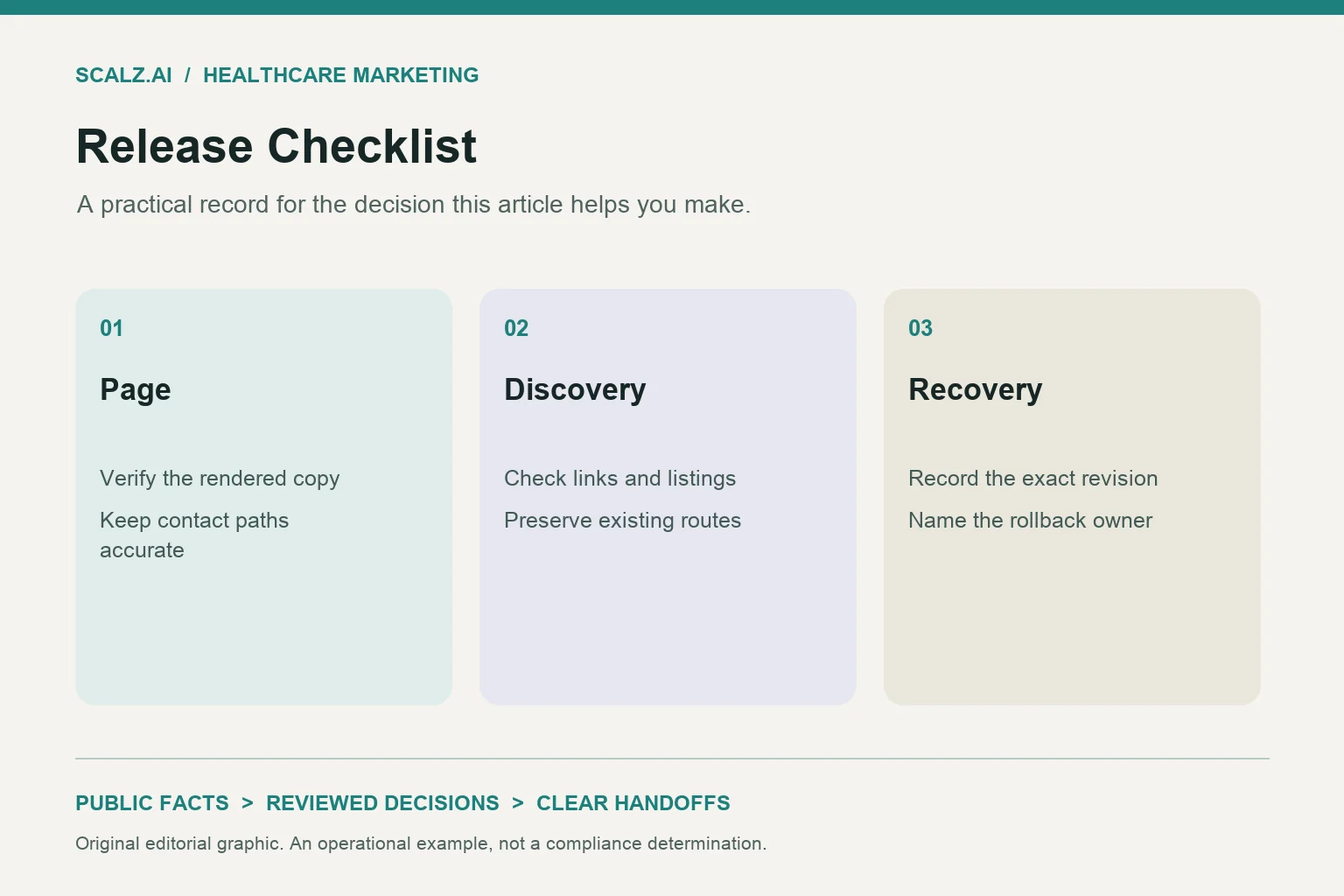
For AI SEO for addiction treatment, release one approved article only after checking its rendered headline, snippet fields, canonical, links, three images, unchanged contacts, archive entry and rollback owner. Record each result against the exact version being released. Keep preview approval separate from live verification, and hold publication when a required check remains unresolved.
This checklist starts after copy approval and ends when the published article and its discovery paths have been checked. The proposed records below give a marketing editor, publisher and release owner a practical handoff for one article. They also keep a small publishing job from expanding into an unplanned website repair.
1. Open an AI SEO for addiction treatment release card
Give the article one release card before it enters the publishing queue. The work connects your addiction treatment SEO program with the page preparation covered by AI SEO services, while keeping acceptance tied to this article.
Record the approved copy version, intended public address, publisher, reviewer and release owner. Attach the approved title, H1 and meta description so nobody has to recover them from a conversation. Include the intended archive category and the three approved image files.
- Define the boundary. State that the release adds one article and its archive entry, with no planned changes to shared contacts or service pages.
- Name the fact record. Identify the verified facility record supporting any service, location or business statement retained in the copy.
- Assign the decision. Name the person who can approve publication and the person who can restore the prior public state.
Use four statuses: pending, passed, held and not applicable with a reason. A check should carry the version reviewed, review time, reviewer and a short observation. For example, “Headline passed on preview version B; approved wording appears once as the main heading” is more useful than “SEO looks good.”
Ordinary SEO practices apply to Google AI features; no special AI markup is required. Keep the release card focused on readable, accessible output and clear ownership. Do not add a new markup project to an otherwise ready article.
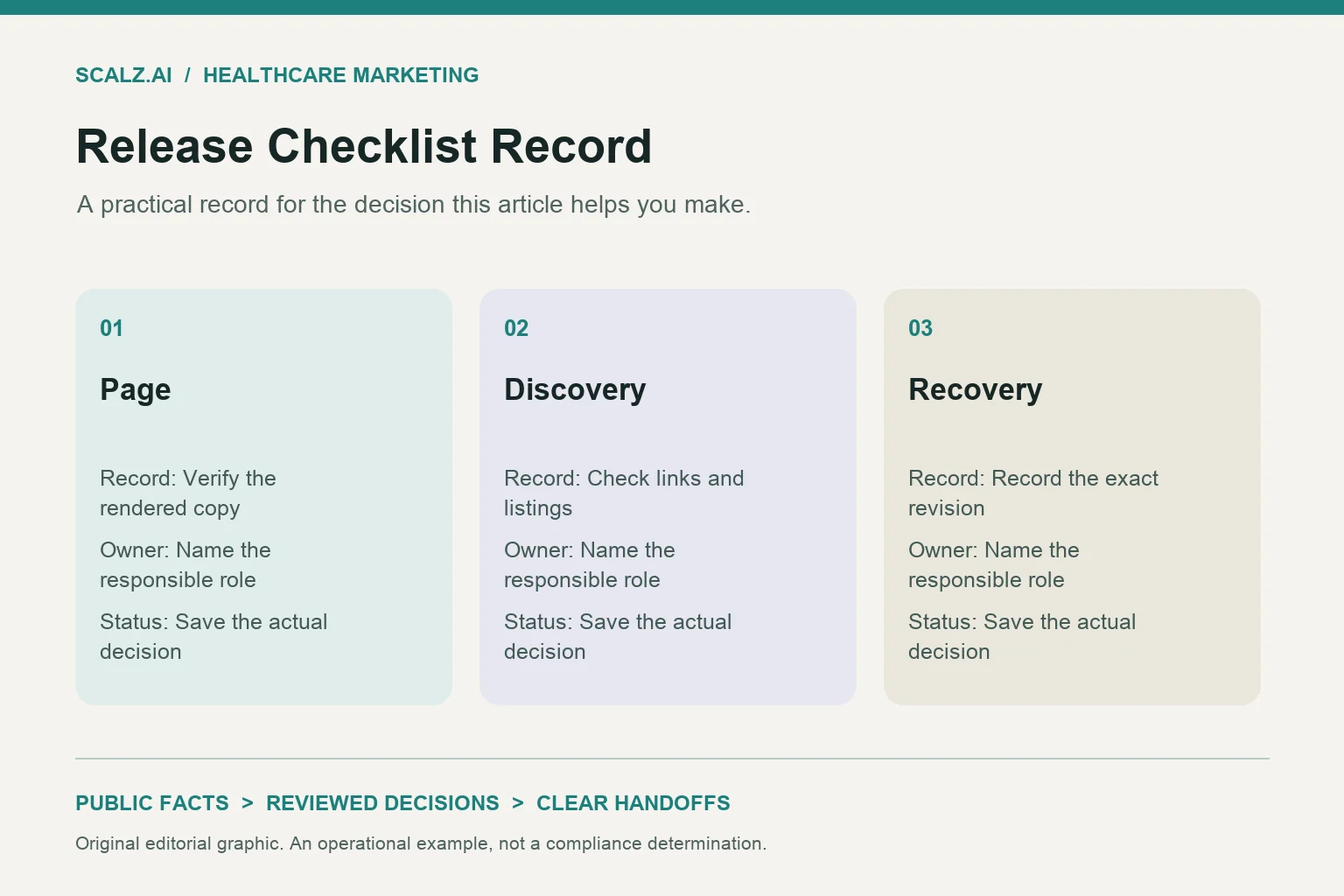
2. Match the rendered headline and snippet fields
Open the article preview in the template that will publish it. Compare the visible main heading with the approved H1, then compare the page title and meta description with their approved fields. Check the output rather than relying on the editor’s input boxes.
A template can append a brand name, display an old title or repeat the heading inside the article body. A preview can also hide an empty description behind a default value. Record those differences before deciding whether the article is ready.
- Check the headline. Confirm that the main heading uses the approved wording and that the imported body does not add a second H1.
- Check the page title. Record the final title, including any template suffix, and resolve unintended additions with the publisher.
- Check the description. Confirm that the approved meta description survives rendering without truncation in the stored field or replacement by boilerplate.
Read the opening answer on desktop and mobile. It should resolve the article’s narrow task before background material, with useful context still visible when the layout changes. For AEO and AI search preparation, preserve the meaning of that answer rather than repeating the keyword in every paragraph.
A proposed check record might read: “Approved headline matches; title suffix accepted by editor; description matches; opening answer appears before the first section.” Store the exact rendered values alongside that note. Label a search-style preview as a preview, since the publishing team does not control the wording a search engine ultimately displays.
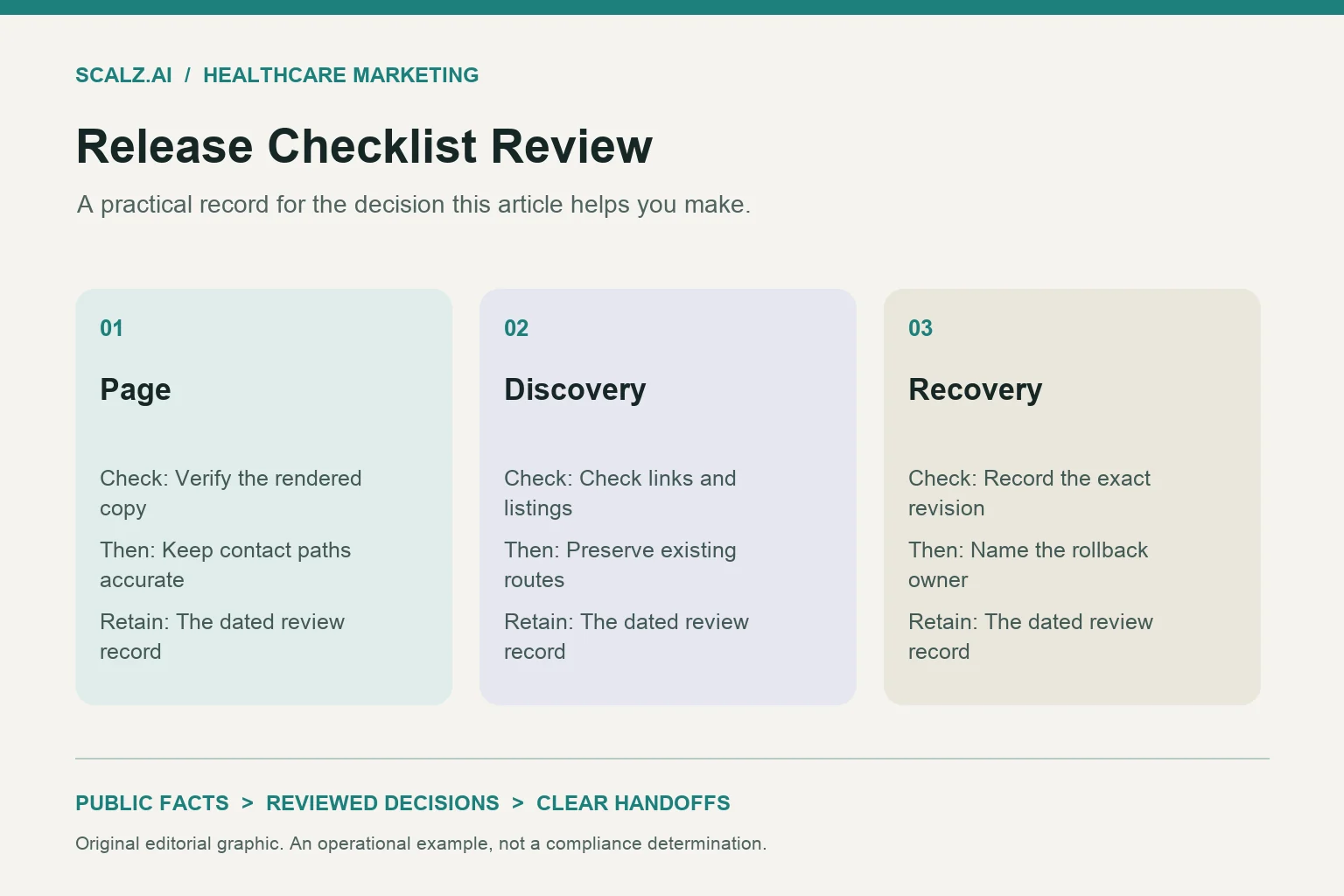
3. Confirm the public address and canonical destination
Write down the intended public address before checking the canonical. If the preview points to a staging host, distinguish that expected preview behavior from the required production setting. Use the broader addiction treatment SEO audit checklist only when a finding extends beyond this release.
For a new standalone article, the proposed acceptance rule is that its public address and canonical identify the approved article destination. Confirm the hostname, path and trailing-slash convention with the site’s established publishing setup. Do not change those conventions during the article release.
- Record the destination. Save the intended address and expected canonical value before publication.
- Check the live response. After release, confirm that the intended address opens successfully and displays the approved article.
- Resolve conflicting output. Hold completion if the canonical names a preview host, another article or an unexplained address variation.
Suppose an article opens correctly, but its canonical points to an older post copied during drafting. Give that defect to the publisher, correct the article setting and repeat the same check. Do not mark it passed merely because the browser shows the new copy.
Keep the receipt small: expected address, observed final address, expected canonical, observed canonical and check time. Add the person responsible for any mismatch. If the problem comes from a shared template, separate the template repair from this article’s acceptance decision so the release owner can choose whether to hold the page.
4. Test every article link in its reading context
Review links where readers encounter them, not just as a list of destinations. A useful anchor tells a marketing reader what the next page will help them do. It should also fit the sentence without turning the article into a service directory.
Open each destination and confirm that it matches the intended next step. Check both the inline links and any related-content links supplied by the article template. A correct address attached to misleading anchor text still needs an editorial correction.
- Check the service connection. Make sure the article’s service link supports its operational topic without implying a ranking or citation guarantee.
- Check related reading. Confirm that each linked article addresses a distinct follow-up task rather than repeating this checklist.
- Check imported references. Remove leftover preview destinations, empty anchors and links inherited from another draft.
A proposed link record can use five fields: location in article, anchor text, intended destination, observed destination and decision. For example, a canonical discussion can lead to the audit checklist when readers need a wider investigation. A release decision should not depend on rewriting that neighboring article.
Read linked sentences aloud after any correction. If removing the anchor leaves an incomplete or awkward sentence, revise the surrounding copy and return that change to the editor. Keep substantive copy changes within the approval process, since a publishing fix can accidentally change what the article claims.
5. Approve all three images as part of the page
Treat the three images as named release assets with defined jobs. A proposed set for this topic could include a hero illustration of an editorial handoff, a release-card diagram and a rollback sequence graphic. These would explain publishing operations without suggesting a real facility or patient experience.
For each asset, record its approved file, intended placement, alternative text, visible caption if used and permission record. Inspect the rendered image rather than approving the filename alone. Text embedded in a graphic deserves the same wording check as the article.
- Check image one. Confirm that the hero crop works on mobile and desktop without cutting off meaningful content.
- Check image two. Confirm that the supporting diagram remains readable and agrees with the release steps described in the body.
- Check image three. Confirm that the final graphic loads, fits its section and contains no unapproved names, numbers or claims.
Give informative images alternative text that describes their contribution. A release-card diagram might use “Publishing release card with headline, links, images and rollback checks.” Use an empty alternative text value for a purely decorative asset when that matches the site’s accessibility practice.
Record image failures separately: missing file, wrong crop, unreadable labels or outdated wording. Replace the affected asset and recheck its placement before approval. Confirm that the three files are prepared for the site’s normal image delivery process, rather than uploading oversized originals and leaving optimization for after publication.
6. Compare contacts with the approved baseline
Take a baseline of the contact elements that the new article will display. Include the header, footer, article call to action and any shared contact panel. Use the site’s approved business contact record, rather than a number copied from another draft.
The article release should preserve those destinations unless a separate contact change has been approved. Compare displayed phone numbers, click-to-call targets, contact links and existing form destinations where present. When the site uses number swapping, have the tracking owner explain the expected behavior before treating a difference as a defect.
- Check visible details. Compare names, phone numbers and addresses against the baseline wherever the article template displays them.
- Check destinations. Confirm that contact links lead to the intended page and phone links contain the approved number.
- Check shared behavior. Verify that publishing the article has not altered the existing contact panel or form configuration.
If the baseline displays one number but the article contains another, stop that item and assign it to the contact owner. Do not choose whichever number looks more plausible. Record whether the mismatch belongs to the article body, template or an expected tracking rule.
Keep the comparison focused on contact configuration and navigation. This release record does not need inquiry contents or personal information. A useful pass note states which elements were compared, which owner confirmed any dynamic behavior and whether the article introduced a contact change.
7. Check the archive entry and discovery handoff
Confirm that a reader can reach the article through the intended blog archive. Keep this check distinct from the wider inventory decisions covered in rehab website XML sitemap optimization. One new article needs a clear discovery handoff, not a redesign of the archive.
Open the archive view where the article should appear and inspect its card. Compare the card’s title, excerpt, image, category and date with the approved publishing record. Follow the card to confirm that it opens the article destination checked earlier.
- Check presence. Confirm that the article appears in its intended archive view and any assigned category view.
- Check presentation. Confirm that the card uses the correct image and that its excerpt makes sense without surrounding article text.
- Check the handoff. Confirm inclusion in the expected article sitemap output without changing unrelated entries.
If the article is missing from the archive, check its publication state and category assignment before requesting a template change. If the card exists but points elsewhere, correct that destination and retest the route from archive to article. Keep each issue attached to its owner.
For date handling, refer the publisher to the sitemap lastmod decision guide rather than changing every page’s date for this release. Record the new article’s date source and leave unrelated date decisions outside the task. Archive presence and sitemap inclusion should be recorded as publishing checks, without labeling them proof of search indexing.
8. Separate release approval, live acceptance and rollback
Use two decisions: ready to publish and live checks complete. The first confirms that the approved preview has passed its required checks and publication is authorized. The second confirms that the released version has been inspected at its public destination.
Before publication, name a rollback owner and define what restoration means for a new article. There may be no previous article body to restore. The recovery plan should describe the prior public state, including the archive and sitemap output affected by the addition.
- Record authorization. Save the approver, approved version and publication window in the release card.
- Define the rollback trigger. Include wrong contact details, unapproved copy or an incorrect destination as reasons to pause acceptance and involve the owner.
- Assign the recovery check. Name who will confirm the restored page state and its affected discovery entries.
A proposed handoff reads: “Version C is approved for publication; the publisher releases it; the editor checks the live output; the release owner accepts or holds completion.” Attach the retained approved assets and the restoration method. Make sure the rollback owner can act through the established publishing system.
After release, repeat the checks that depend on production output and close unresolved rows explicitly. Record who accepted the page and when, while keeping search visibility reporting separate. For a custom, done-for-you publishing workflow, contact SCALZ.AI with your current editorial handoff and the release checks you need assigned.
9. Release checklist FAQs
Can approved copy go straight into the publishing queue?
It can enter the queue, but copy approval alone does not complete release approval. Assign the rendered-page checks before publication so the publisher knows which version, assets and destinations are authorized. If a required item is unresolved, mark the release held with a named owner.
What should happen if an image fails after publication?
Assign the failed asset to its owner and inspect how the failure affects the page. Replace and recheck it when the repair fits the approved release scope. If it displays misleading content or prevents useful reading, involve the release owner in deciding whether to restore the prior public state.
What record makes the article release complete?
Keep one completed card showing the published version, public destination, check results, acceptance owner and recovery method. Attach observations from the live page and archive, plus any explicitly accepted exceptions. Close the publishing task when those checks are resolved; measure later search appearances and citations through the separate reporting workflow.
Call 407-954-8800 to talk through next steps.