

Update Program Menus In AI SEO For Addiction Treatment
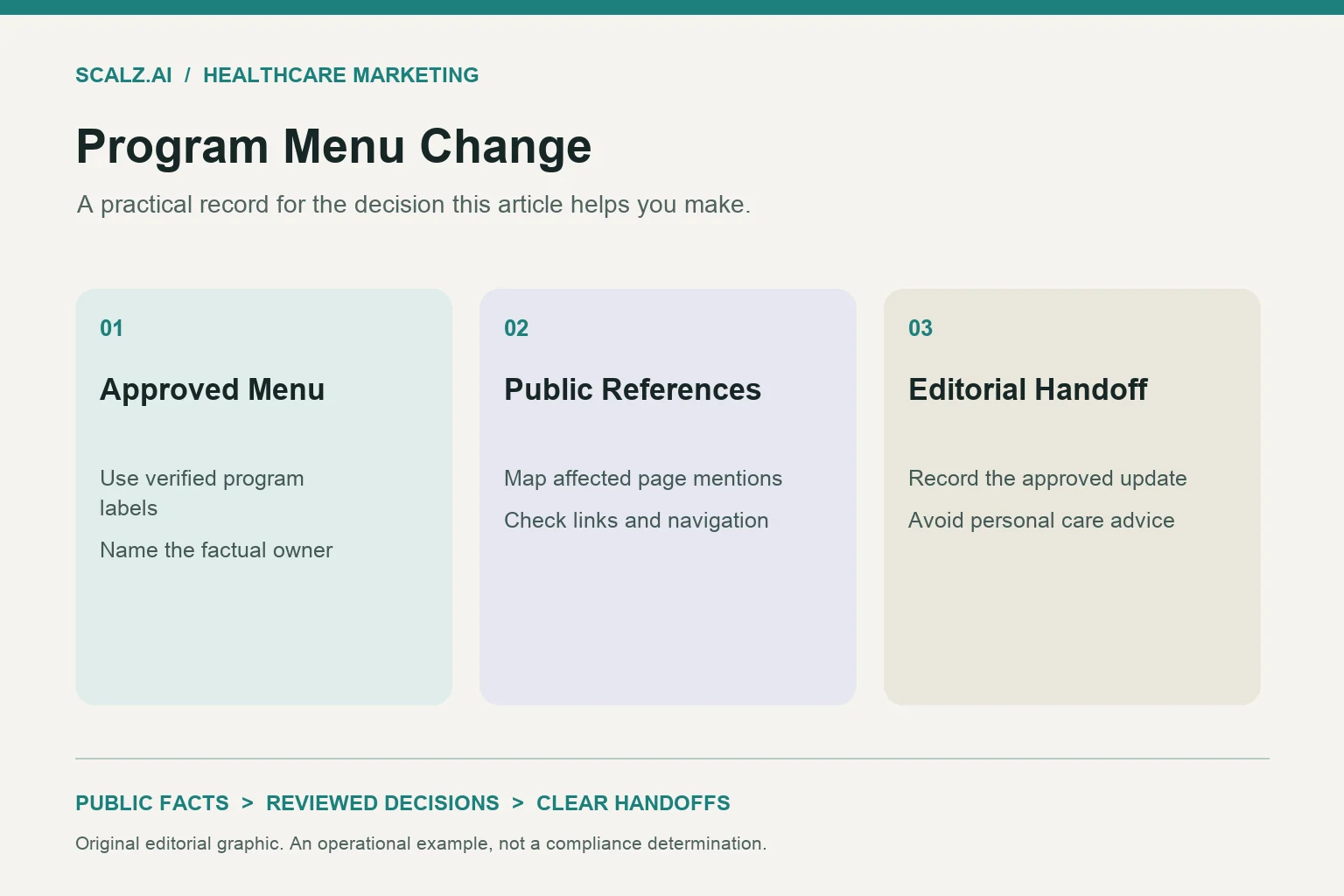
When a verified program menu changes, open one dated change record, locate every affected public reference, and approve replacement wording before release. AI SEO for addiction treatment needs that handoff across navigation, program pages, supporting articles and short answers. Updating a menu label alone leaves other statements unresolved.
For example, suppose a facility confirms that one location has stopped offering a program labeled IOP. The marketing task is to remove that location's current-offering claims, preserve useful educational content and check every affected link. The editor should not infer what care replaces it.
Start AI SEO for addiction treatment with a dated change record
Give each verified menu change its own record rather than adding scattered requests to separate page tickets. This keeps addiction treatment SEO maintenance connected to the public content managed through AI SEO services.
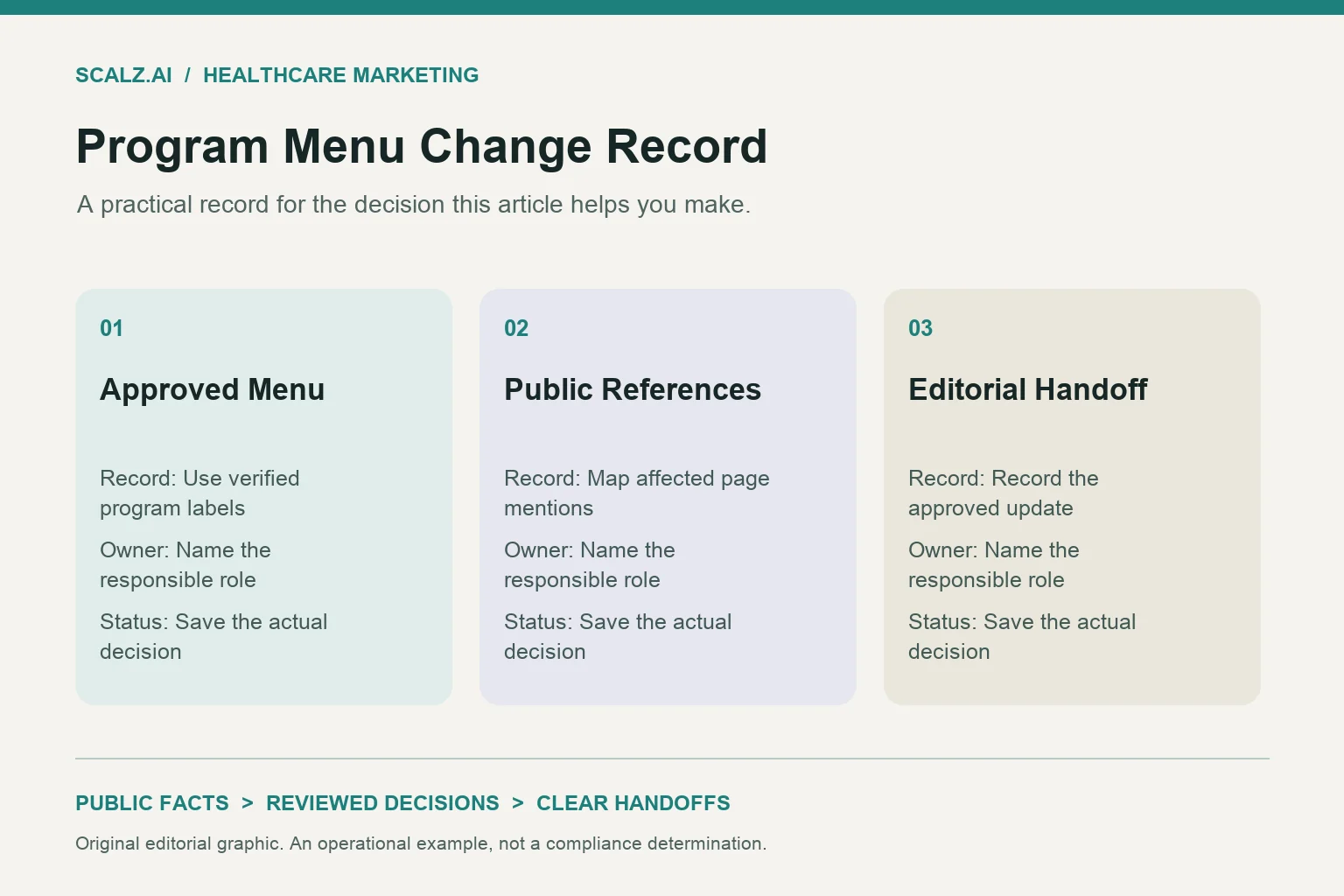
Record the exact approved change, affected location, effective date and facility record that confirms it. Separate the business effective date from the planned website release date. A program announcement, label revision and service withdrawal can require different publication timing.
Use a proposed record such as: Change PM-014 concerns the removal of IOP from one location's current program menu. Its release remains pending until the designated facility owner confirms the location scope and wording. This is a sample record, not a statement about any facility.
- Record the former public label and approved replacement text, including whether the replacement is simply removal.
- Name the facility fact owner, marketing editor and person authorized to approve publication.
- Attach the effective date and record reference without adding personal health information.
- Define completion as resolving every affected reference, with exceptions assigned to a named owner.
Distinguish verified changes from proposals immediately. A discussion about adding detox does not authorize a detox navigation item, announcement or availability claim. Keep proposed additions in the planning queue until the facility's approved records support publication.
Separate label edits from changes in availability
First decide whether the event changes a name, a public offering or both. The existing guidance on giving care-level content distinct purposes helps preserve page boundaries while editors update the program menu.
A label edit might replace an approved acronym-only menu item with its approved full name. That change does not establish new services, hours, eligibility or staffing. Carry forward only the descriptive details that the facility has reconfirmed for the revised label.
A withdrawal is different because existing wording may now imply an offering that is no longer available at the named location. A temporary pause is different again because its public wording needs an approved scope and review point. Do not convert a pause into a permanent closure or promise a restart date.
- Classify a rename as a label change only when the facility confirms that the underlying public offering remains unchanged.
- Classify a location-specific withdrawal separately from a withdrawal across the whole organization.
- Require separate approval for any proposed replacement program or newly added description.
- Keep temporary-status wording dated and assign someone to resolve it when the status changes.
Maintain a small approved vocabulary record with the display name, permitted acronym and retired variants. For PHP or IOP, use the full expansion only when the facility has approved it. This gives editors a consistent naming reference without turning program labels into care recommendations.
Find references beyond the main navigation
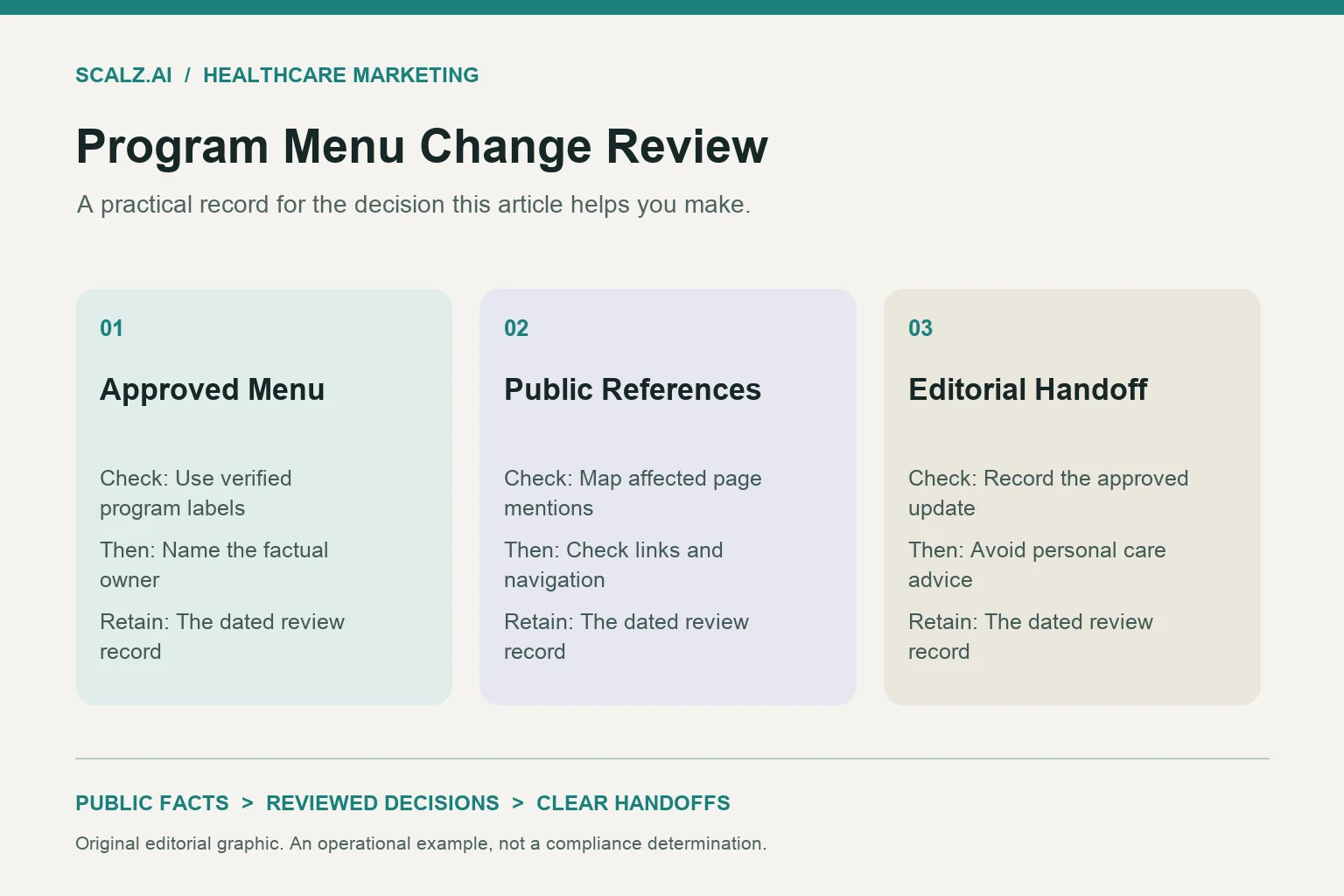
Inventory each occurrence by its page and component, not just by the program term. A treatment offering can appear in a footer, homepage card, location summary, article introduction or reused description even after its main page changes.
Begin with the affected location and its direct program links, then inspect organization-wide templates and supporting pages. Search for the approved label, acronym, old wording and common spelling variants. Include statements such as offering a full program menu, which may imply availability without naming every item.
Record whether each occurrence presents a current facility offering, general education or historical information. The distinction matters when reviewing level-of-care comparison pages and MAT and detox program content. Their educational subject matter does not automatically need removal when one facility's menu changes.
- Check desktop navigation, mobile navigation, footer links and location-specific program cards separately.
- Inspect introductory summaries, visible FAQs, contact prompts, related-content labels and article excerpts.
- Review page titles, meta descriptions and structured descriptions that name the affected offering.
- Inspect public downloads and reusable content blocks when they fall within the approved change scope.
- Record each occurrence's location, meaning, proposed action and responsible editor.
A reusable entry can read: Homepage program card; current offering; remove the affected label; shared component owner; awaiting approval. Another entry might retain an educational paragraph while removing its facility-specific closing sentence. Preserve that distinction in the inventory so reviewers can understand the proposed action without reconstructing the whole page.
Retire availability statements without erasing useful context
Resolve the meaning of each statement before choosing a replacement. Removing a program from navigation does not make a sentence such as “available at every location” accurate. Review broad descriptions with the same care as direct program mentions.
Suppose the verified change concerns IOP at one location while another location still offers it. The organization-wide summary may remain useful after its scope becomes explicit. The affected location page needs wording that reflects its own approved menu rather than borrowing the organization's broader list.
For a discontinued offering, consider an approved status sentence if the existing page still needs to explain the change. A proposed sentence could state that the named location no longer offers the named program, effective on the verified date. Use that wording only after the facility approves every detail.
- Remove current-offering claims when the approved record confirms that they are no longer true.
- Retain general educational material when it remains useful and does not imply local availability.
- Replace broad organizational statements with precise location scope when that scope is verified.
- Hold restart dates, referral arrangements and alternative offerings until their own records support them.
Review the nearby call to action as part of the same edit. A button inviting readers to contact the facility specifically about a retired program can preserve the old implication even when the paragraph changes. Use an approved general contact prompt only if its destination and purpose remain accurate.
Hand reviewers a decision packet they can approve
Make the approval packet small enough to review and specific enough to act on. Include the approved facility change, affected references and exact proposed replacements. A reviewer should be able to see how one program-menu decision changes each public statement.
Show the current wording next to the replacement wording in the internal record. Add a brief reason such as location scope, retired availability or approved naming change. Keep broad rewrites outside the packet unless they are necessary to resolve the verified event.
Assign approval by decision type rather than sending everything to an unnamed team. The designated facility owner confirms the menu and descriptive facts. The marketing editor checks consistent wording, while the web owner checks where the text appears and how the links behave.
- Ask the facility owner to confirm the exact program label, location scope and effective date.
- Ask the editor to approve replacement language and resolve inconsistent references across pages.
- Ask the web owner to identify shared components and propose any necessary URL handling.
- Route clinical, privacy or legal statements to the facility's designated qualified reviewer when those statements are involved.
Use clear statuses such as awaiting facts, awaiting wording approval, ready for release and verified live. If a reviewer approves only the label, the record should not imply approval of a new program description. Return unresolved claims to their owners rather than filling gaps with familiar industry wording.
Use AI to sort candidate edits, then check each one
Give an AI tool a bounded editing task using approved program wording and selected public content. It can flag candidate references and propose limited replacements. The editor still needs to confirm each occurrence's meaning and compare the proposed text with the approved change.
A useful instruction is: Find statements that present the named program as currently available at the affected location. Require the output to include the exact passage, component name, reason for flagging it and proposed action. Tell the tool to flag uncertainty instead of inventing missing details.
For example, an educational article may discuss detox without describing the facility's services. A keyword-only replacement could damage that passage or remove useful context. Review the surrounding paragraph and its links before accepting any suggested edit.
- Provide the approved change wording and selected public passages without credentials or personal health information.
- Require separate outputs for direct availability claims, ambiguous references and general educational mentions.
- Reject generated descriptions that add schedules, staffing, eligibility or services absent from verified records.
- Keep publication approval outside the drafting task and inspect every accepted replacement.
Standard SEO foundations apply to Google's AI search features; no special AI markup guarantees inclusion. Put the operational effort into making current statements consistent and readable. A generated rewrite should earn its place by resolving a specific approved change, not by adding more marketing language.
Release the approved changes as one coordinated set
Group related edits so navigation, page summaries and current-offering statements move to the same approved version. If the release must happen in stages, document the order and any temporary wording. Avoid leaving one public component promoting a program another component says has ended.
Before release, preserve the previous text and record the proposed URL decision. A renamed label may keep its existing page address when the page still serves the same purpose. Removing an offering does not by itself justify sending every old link to the homepage.
The editor's handoff should describe the desired public meaning and identify any proposed technical changes for the web owner. It should also flag canonical tags, indexing settings, redirects or contact destinations that require review. Do not bundle unrelated technical changes into a wording update.
- Review the complete preview across shared templates and affected location pages before publication.
- Check that visible program statements and structured descriptions express the same approved facts.
- Test desktop and mobile navigation, internal links and approved contact destinations.
- Record each page's URL decision rather than applying one redirect rule to the whole change set.
- Keep a recoverable copy of prior content and identify which changes can be reversed together.
If verification finds a problem, restore or correct the affected component under the site's release process. A rollback should not knowingly restore a retired availability claim as current. The recovery record needs an accurate interim message as well as a technical way to recover the page.
Close the record with checks and unresolved items
After publication, verify the live pages rather than relying on the approved preview. Check navigation labels, summaries, supporting passages and contact prompts against the same change record. Inspect shared components in more than one page context when they are reused.
Repeat the public-reference search using the retired label and former availability phrases. Record any remaining occurrence as retained education, approved historical context or an unresolved correction. A zero-result search is not the only valid outcome because useful educational mentions may remain.
- Record which live pages were checked, when they were checked and who performed the check.
- Assign remaining first-party discrepancies to an owner with a specific corrective action.
- Log outdated external answers separately from defects in the facility's current website content.
- Close the change only when each inventory entry has a verified action or a documented exception.
For AI search observations, retain the exact query, engine, date, quoted statement and cited page when available. An outdated answer in Google AI Overviews, ChatGPT, Perplexity or Gemini is an observation to investigate, not proof that the approved website edit failed. Avoid reporting publication as confirmation that every external answer has updated.
If the change exposes recurring gaps, request a scoped SCALZ.AI program-content review. A useful commercial brief names the affected locations, approved menu change and public components needing custom editorial support. Keep that request focused on the handoff rather than opening an unrelated rewrite of every program page.
Frequently asked questions about program-menu updates
Does every program rename require a new page URL?
No. Review whether the page still has the same purpose and describes the same verified offering. If it does, a label change may fit the existing address; if its purpose has changed, the web owner should propose an explicit page and link decision.
Should old educational articles lose every mention of a retired program?
No. General education can remain useful even when a facility no longer offers the program it discusses. Edit the passages that imply current facility availability, then check introductions, closing prompts and related labels for the same implication.
A full rewrite is warranted only when the article's main purpose depends on the retired offering. Record that broader decision separately so an availability correction does not become an unreviewed content overhaul.
What should marketing do when an AI answer still lists the old program?
Check the answer's cited page, if one is provided, and confirm that the facility's current public content is accurate. Log the exact outdated statement with the query, engine and observation date. Correct any remaining first-party reference, then track external observations separately without promising when an answer engine will refresh.
Call 407-954-8800 to talk through next steps.